Best HRMS Software for Mid-Market Companies (200-1000 Employees)
Is your HR stack holding you back? We ranked the 10 best HRMS platforms for mid-market companies (200–1,000 employees) to help you scale with confidence.
19 min readJayden Rose
Picture a 240-person company that still runs HR on a shared drive. Time-off lives in one spreadsheet, payroll sits with an outside bureau, performance reviews happen in a survey tool someone set up two years ago, and nobody can answer a simple headcount question without three exports. It works until it doesn't. Somewhere between 200 and 1,000 employees, the patchwork that carried a startup starts costing the business real time and real trust, and the hunt for the best HRMS begins in earnest.
Mid-market teams sit in an awkward gap. The light tools built for 50-person startups run out of room, and the enterprise suites built for 10,000-person multinationals arrive with price tags and timelines that don't fit. The ranking below reads ten HRMS platforms through a mid-market lens, judged on how well they serve companies in the 200 to 1,000 range on the things that matter at that size: adoption, analytics, room to scale, and cost you can predict. HiBob leads, and the reasons follow.
What HRMS software is, and how it differs from HRIS and HCM
An HRMS, or human resource management system, is the software a company uses to run the full employee lifecycle in one place: records and self-service, time and attendance, payroll connections, performance, and reporting. It replaces the scattered spreadsheets and single-purpose tools that most teams collect on the way up.
The terms HRIS, HRMS, and HCM overlap enough that vendors use them almost as synonyms, and the distinctions are softer than they sound. An HRIS (human resource information system) describes the record-keeping core: people data, org structure, time off, and basic reporting. HRMS adds the operational management layer on top, things like performance cycles and workflow automation. HCM (human capital management) is the broadest term, folding in talent, learning, and workforce planning as strategic functions. In practice, modern platforms cover most of all three, so the smarter move is to judge a tool on what it does day to day rather than which acronym it markets under. A "best HRMS software" shortlist and a "best HRIS" shortlist pull from the same pool of vendors.
For a mid-market team, the label matters less than the shape. You want a core that holds clean people data and a set of modules you can switch on as the work gets more demanding.
How to choose HRMS software for a 200 to 1,000 person company
The mid-market changes the buying math. At this size, the platform has to serve three audiences at once, HR admins, managers, and employees, and a tool that only satisfies HR gathers dust. A few criteria separate the platforms that last from the ones you replace in two years.
Adoption beats feature counts. The most capable system is worthless if managers avoid it. Put HR admins, a few managers, and a handful of employees in front of real workflows during a demo, updating a record, booking time off, running a check-in, and watch where they stall.
Analytics turn data into decisions. Basic systems store information; mid-market teams need to answer questions about retention, pay equity, and headcount planning without a data team. Ask to see the reports, not a slide about them.
Room to scale without re-platforming. A tool that fits at 220 people should still fit at 700. Favor platforms with one steady core and modules you add as you grow, so a new need doesn't trigger a full migration.
Integrations keep data honest. Your HRMS should sync with payroll, identity, and the communication tools your team already lives in. Native connections and a real API beat middleware that breaks on the next update.
Total cost runs past the license. Budget for implementation, integrations, admin time, and training across three years, not the per-seat headline. A platform quoted at a low monthly rate can cost far more once setup and upkeep are counted.
Test your finalists with a cross-functional group before you commit. The demo shows you the vendor's best day; a pilot shows you yours.
The 10 best HRMS software platforms for mid-market teams
I judged each platform below against the mid-market criteria above, with its best-fit segment, a plain overview, and the features that matter at 200 to 1,000 people. The order runs from the strongest all-round mid-market fit down.
-
HiBob
Ideal for: Scaling mid-market teams (200 to 1,000 employees) that want one connected HR core they can extend without swapping systems.
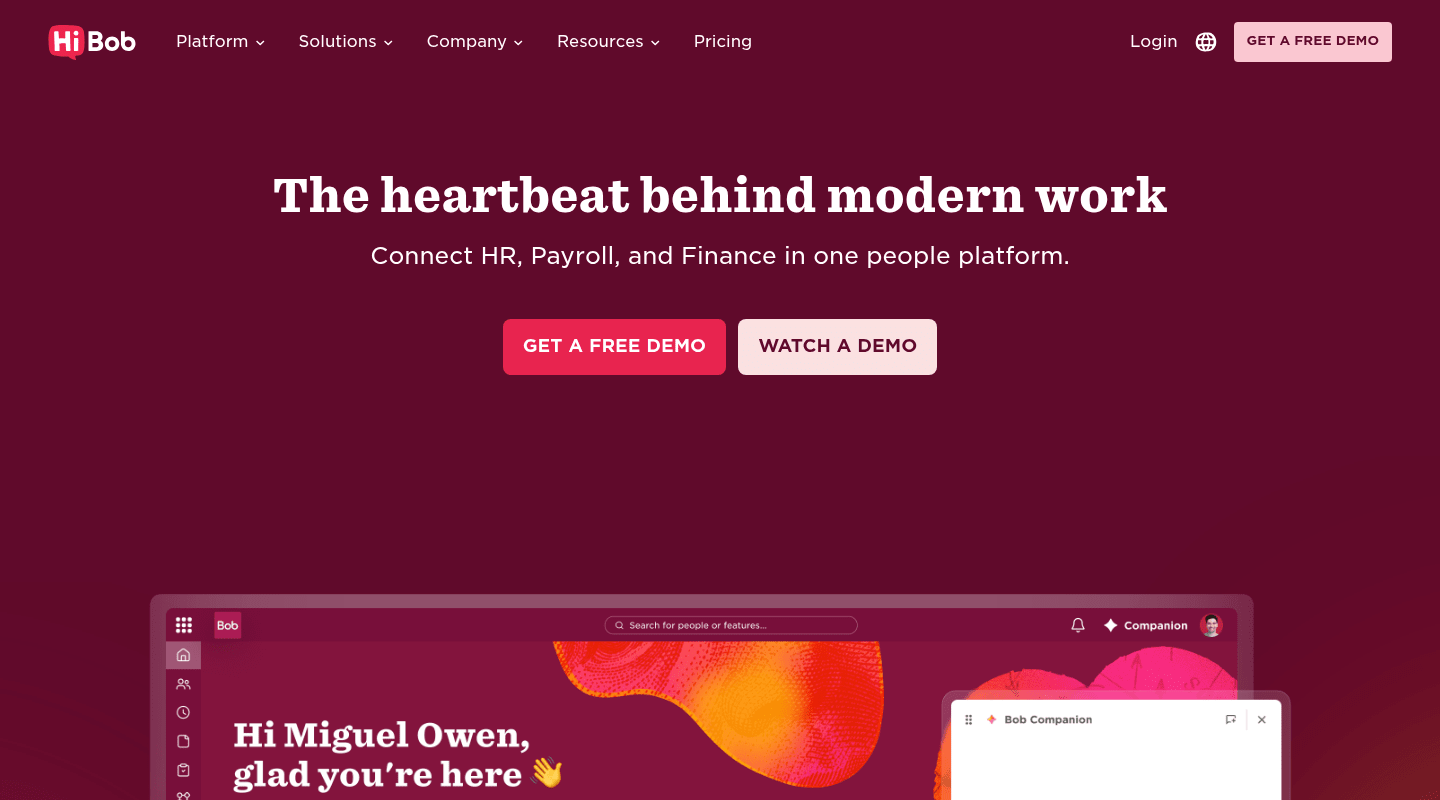
Bob sits in the exact band this ranking cares about: companies past the spreadsheet stage that still find enterprise suites too heavy for how they work. The platform runs on Bob Core, a single foundation that holds people data, self-service, workflows, and a marketplace of integrations in one place. Every team that adopts Bob starts on that Core, then adds the pieces it needs as it grows, so a 250-person company and an 850-person company run the same underlying system with different modules switched on.
That design matters for the mid-market because the usual failure mode is re-platforming. A tool that fits at 200 breaks at 600, and the team migrates all over again. Bob avoids that by keeping the core steady and letting the Talent suite, the Payroll suite, and HR Planning attach to it when the need arrives. AI runs inside those workflows rather than sitting beside them: CV summaries in hiring, review summaries in performance, sentiment analysis on surveys, and scenario modeling in workforce planning.
Key features:
- Bob Core: unified people data, role-based self-service, and audit-ready joiner, mover, and leaver workflows in one system
- Marketplace and open APIs with SSO and attribute-based sync, so Bob stays the source of truth across your stack
- Embedded AI across hiring, performance, surveys, and planning, built into each workflow instead of bolted on
- Modular suites (Talent, Payroll, HR Planning) that extend the same core as headcount grows
- Real-time dashboards and people analytics that managers read without a data team
The honest caveat: every customer starts on Bob Core before adding suites, so a buyer who wants a single narrow module in isolation will find the foundation-first model less flexible than a pick-one-feature tool. Bob also doesn't publish per-seat pricing; you book a demo and get a quote scoped to headcount and modules. For a team weighing the best HRMS software for the 200 to 1,000 range, that trade reads as fair, since the connected core is the reason the platform scales without a rebuild. Bob holds a 4.5 rating on G2 across more than 2,600 reviews, and analyst Josh Bersin has called Bob "the Instagram of HCM platforms" -- shorthand for an interface polished enough that people open it day after day.
-
BambooHR
Ideal for: Smaller US teams (about 100 to 400 employees) that want clean core HR and fast setup over deep configuration.
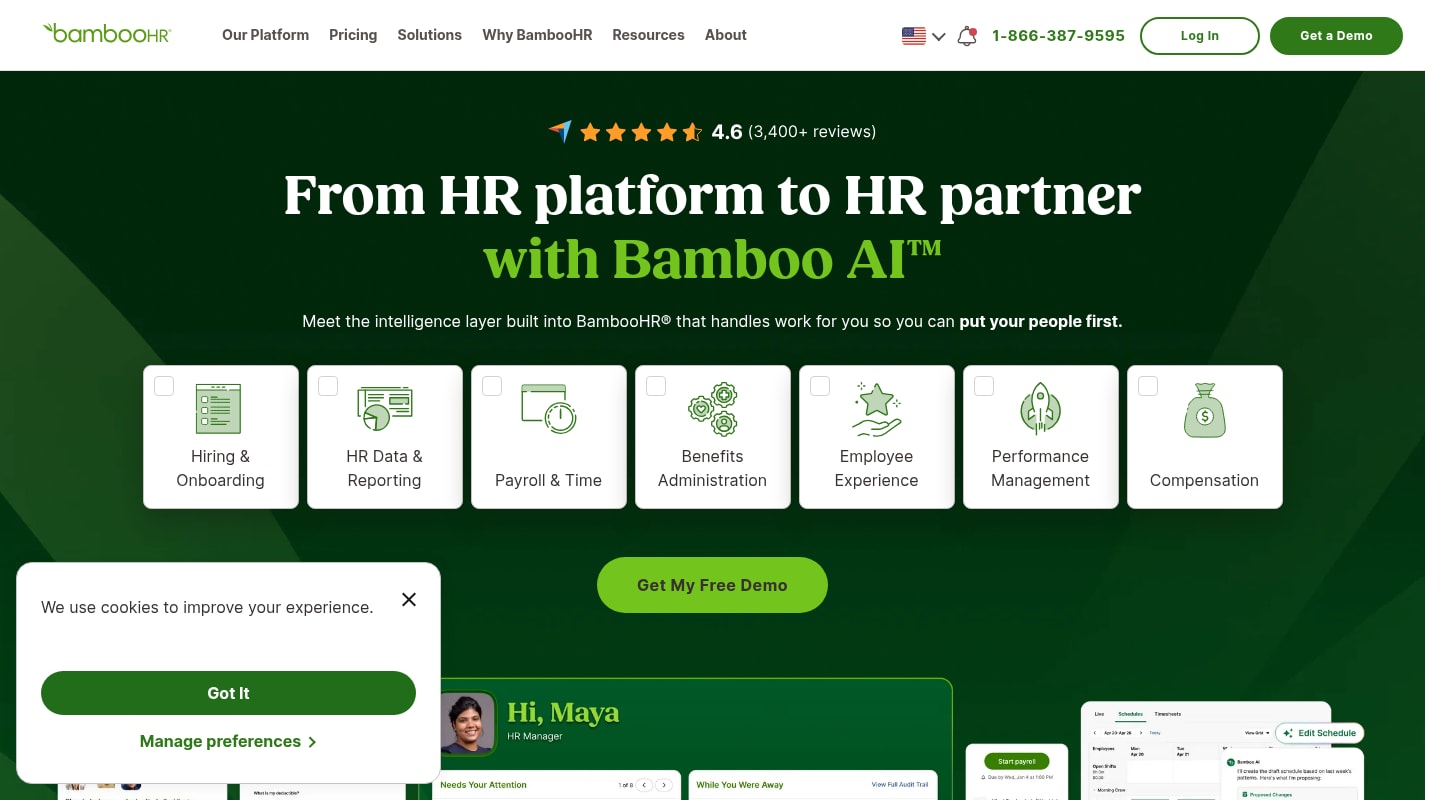
BambooHR earned its following by making core HR approachable. Onboarding checklists, time-off tracking, and a tidy employee database work out of the box, and the interface is one of the friendliest in the category, which is why reviewers keep rating it 4.4 on G2 across more than 5,000 reviews. For a team replacing spreadsheets, it removes friction fast.
The limits show up as the org gets more complex. G2 reviewers flag limited customization and limited options more than any other theme, and mid-market teams that need bespoke workflows, layered approvals, or heavier analytics tend to hit walls. Payroll and analytics stay basic next to platforms built for the upper mid-market, and companies scaling past a few hundred people report outgrowing it within a couple of years.
Key features:
- Core employee records with a clean, low-training interface
- Time-off, onboarding, and e-signature workflows
- Built-in applicant tracking for lighter hiring needs
- Standard reporting and satisfaction surveys
Pricing is quote-based rather than published, scoped to headcount and add-ons. BambooHR fits companies that value speed and simplicity now and don't expect their process complexity to climb.
-
Rippling
Ideal for: Tech-forward teams that want HR, IT, and app provisioning automated from one place.
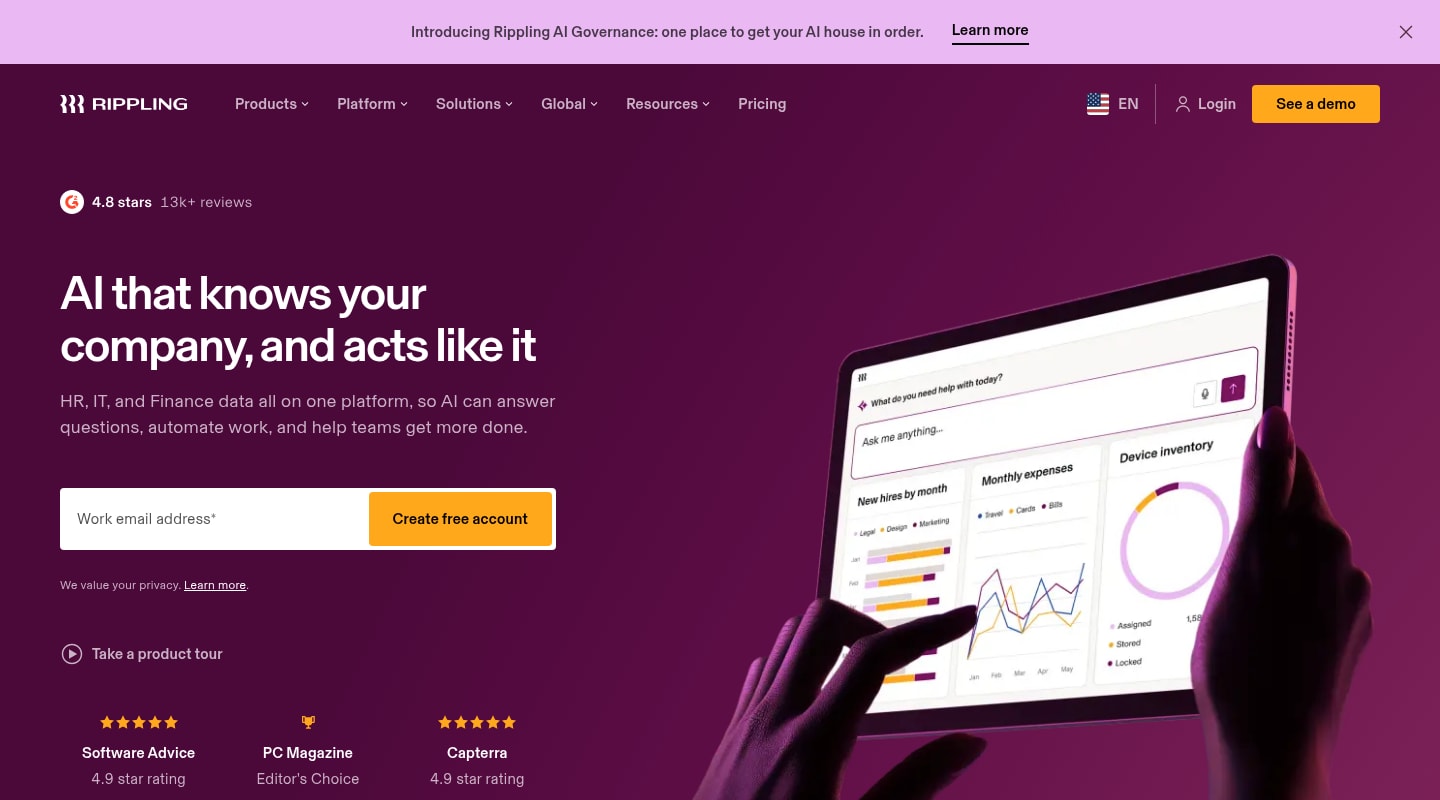
Rippling built its reputation on connecting HR to IT. When someone joins, the platform can provision their laptop, accounts, and access alongside their employee record, which removes a real chunk of admin for distributed teams. Users reward that with a 4.8 rating on G2 across more than 12,000 reviews, one of the highest counts in the category.
The catch for a pure HR buyer is focus. Rippling's HR depth can feel secondary to its IT and device story, and G2 reviewers cite missing features and a steep learning curve as the platform's modules stack up. Teams without an IT-HR overlap sometimes pay for breadth they won't use, and getting full value takes configuration time.
Key features:
- Unified HR, IT, and device management from one dashboard
- Automated provisioning and deprovisioning tied to employment changes
- Access and identity management across hundreds of apps
- Workflow automation spanning HR and IT tasks
Pricing is modular and quote-based, climbing as you add products. Rippling rewards organizations where IT and HR coordination is a daily cost; office-based teams with simple IT needs often find that depth heavier than they need.
-
Workday
Ideal for: The top of the mid-market and enterprise (1,000+ employees) with complex, multi-entity global operations.
Workday is the platform teams grow into when scale and complexity justify it. It unifies HR, finance, and workforce planning on one data model, handles multi-country structures, and offers analytics deep enough for large organizations. For a company heading toward enterprise within a few years, it removes a future migration.
For most teams in the 200 to 1,000 band, though, it's more system than the moment calls for. G2 reviewers rate it 4.1 across more than 1,600 reviews and point to a steep learning curve, dense navigation, and interface design that trails newer tools. Implementations run long and lean on dedicated administrators, so total cost climbs well past the license line.
Key features:
- Unified HR, finance, and planning on a single data model
- Enterprise-grade workforce planning and scenario modeling
- Deep global compliance and multi-entity support
- Advanced analytics and reporting
Workday's pricing is enterprise and quote-based, with implementation often matching annual license cost. It makes sense at the upper edge of the mid-market or on a clear path to enterprise; smaller teams tend to find better value in platforms built for their size.
-
ADP Workforce Now
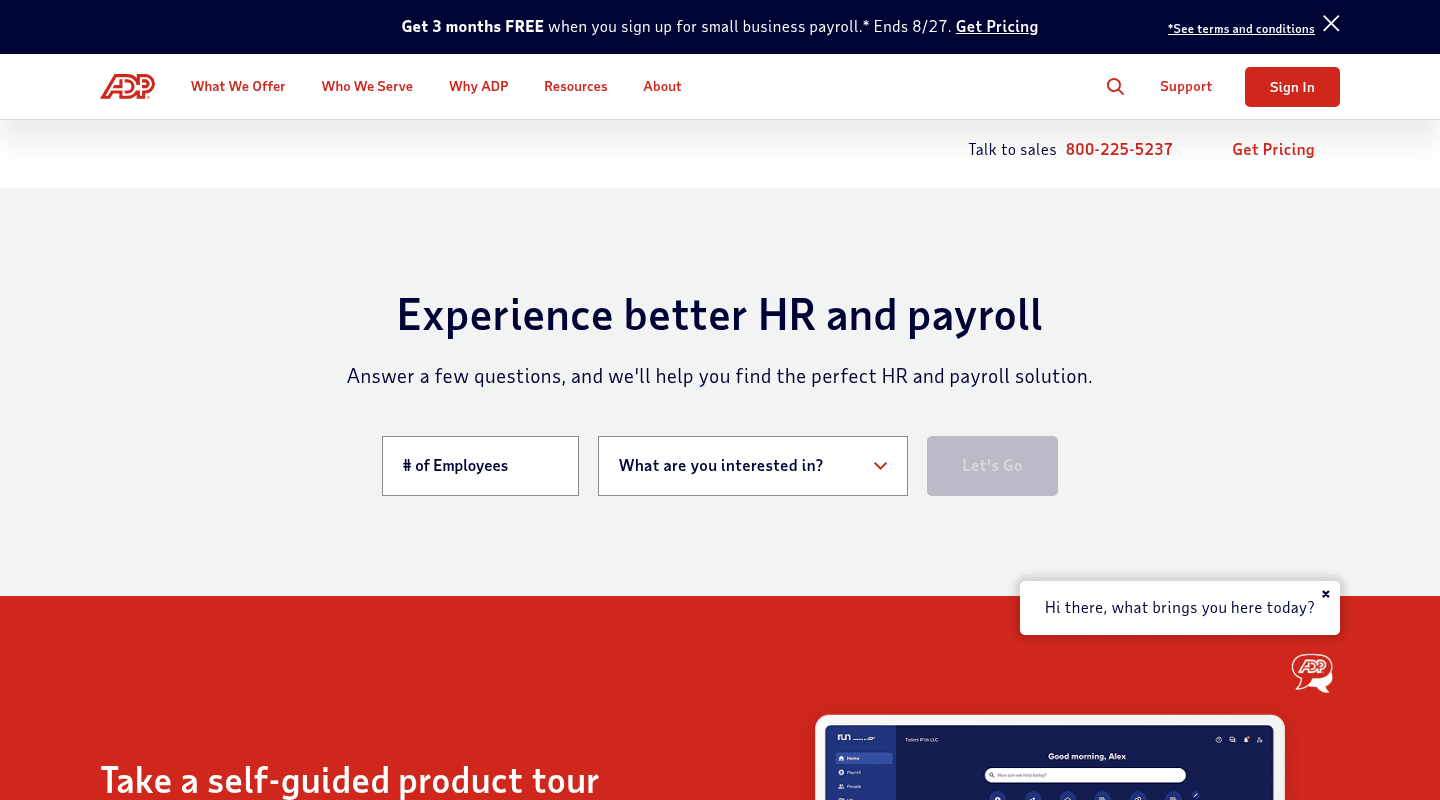
Ideal for: Compliance-heavy organizations that prize payroll accuracy and a long track record.
ADP brings decades of payroll and compliance depth to the mid-market. For teams in regulated settings, the tax filing, audit trails, and payroll reliability carry real weight, and ADP's scale and compliance infrastructure give it broad support for payroll and regulatory requirements across jurisdictions. It's a safe pick where payroll precision outranks everything else.
The trade-offs show up in experience and support. G2 reviewers give it 4.2 across more than 4,200 reviews and cite difficult navigation, gaps in features, and customer support as recurring frustrations, with support complaints the loudest single theme. The modules can feel stitched together rather than born on one platform, and the interface reads dated next to modern suites.
Key features:
- Deep payroll and tax-filing engine with compliance tooling
- Benchmarking data drawn from a large employee dataset
- Global payroll reach through integrated partners
- Comprehensive audit trails for regulated industries
Pricing is quote-based, and setup fees can be steep for full deployments. ADP Workforce Now suits compliance-first teams willing to trade a modern interface for payroll certainty and an established support infrastructure.
-
Gusto
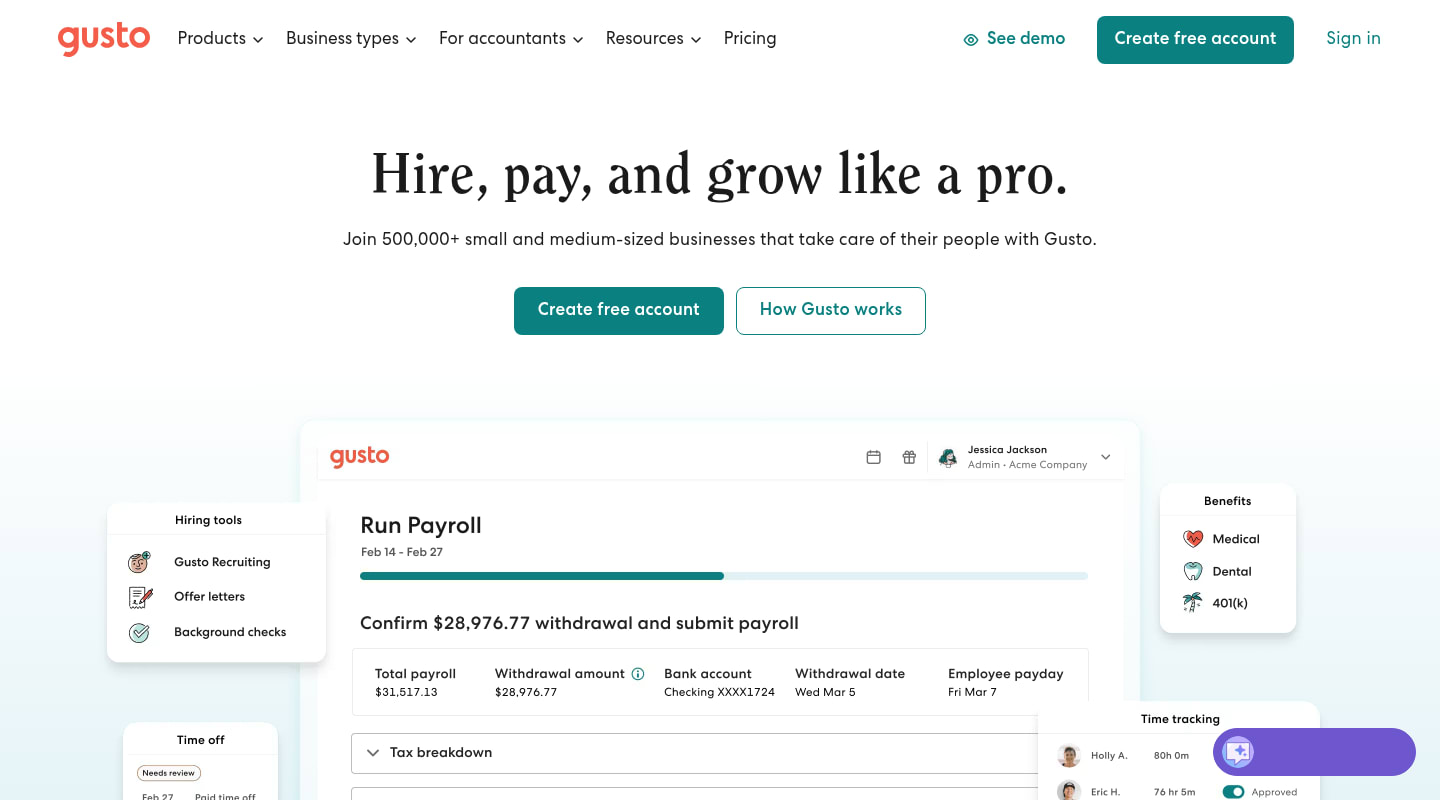
Ideal for: Small businesses and lower mid-market teams that want painless payroll and benefits first.
Gusto won small businesses over with payroll that just works. Running pay, filing taxes, and administering benefits feel approachable even without an HR specialist, and a 4.6 rating on G2 across more than 10,000 reviews reflects how much users like the day-to-day experience. For a lean team, it's one of the smoothest ways to run payroll.
Its ceiling is scale. Gusto is built around SMB workflows, and as headcount climbs toward the mid-market, reviewers flag payroll issues, limited customization, and customer support that strains under volume. The HR, performance, and planning tooling stays lighter than platforms aimed at 500-person orgs, so growing teams tend to move past it.
Key features:
- Full-service payroll with automated tax filing
- Benefits administration and contractor payments
- Core hiring and onboarding basics
- Employee self-service for pay and documents
Gusto's rates are public, from a $49 monthly base plus $6 per person. Gusto is a strong fit while payroll simplicity is the priority; teams that need mid-market HR depth and analytics tend to move on as they scale.
-
Paylocity
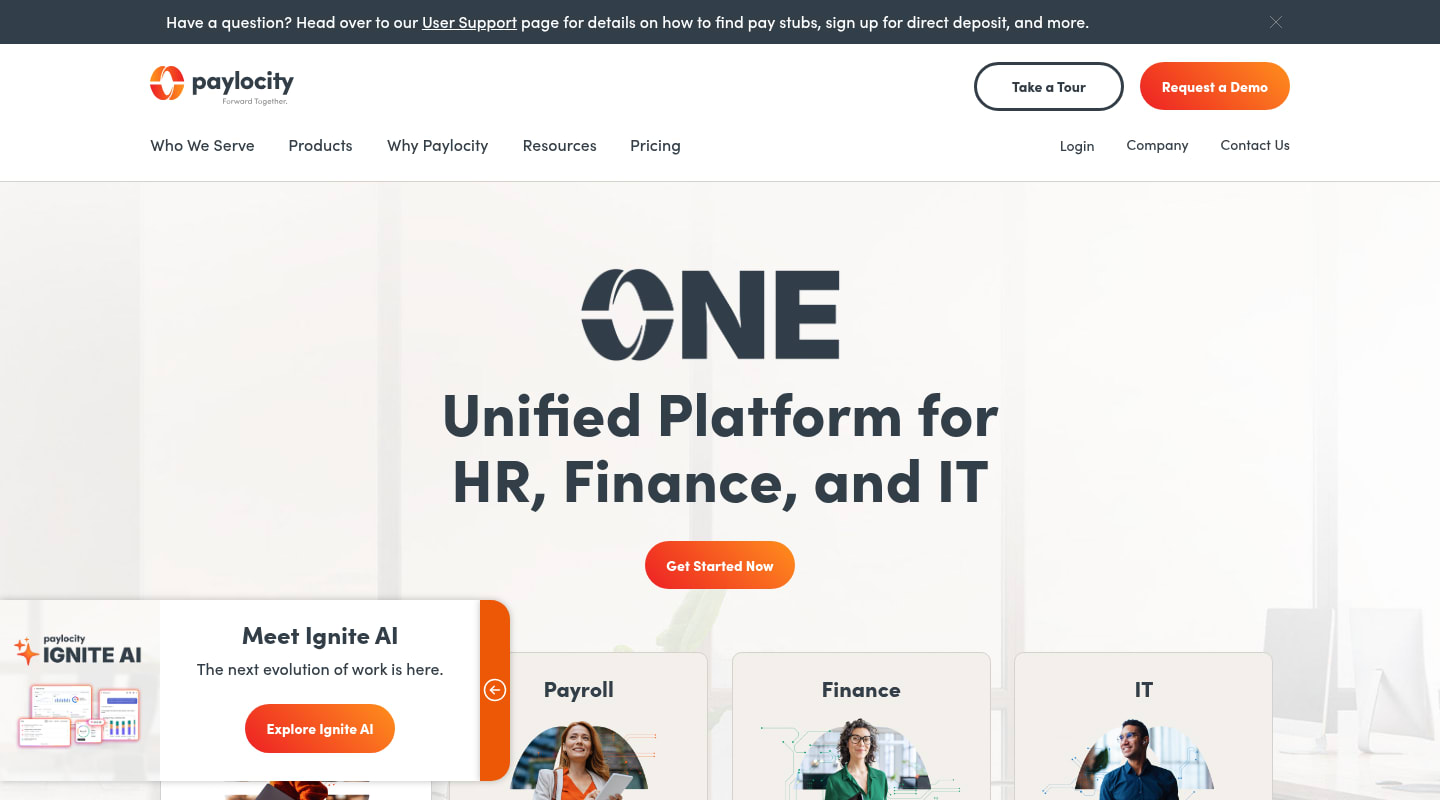
Ideal for: US mid-market teams that want payroll plus modern engagement and communication tools.
Paylocity pairs payroll and core HR with a strong engagement layer, including social feeds and communication tools that give employees a reason to log in. It's a capable all-rounder for US-based teams, and reviewers rate it 4.4 on G2 across more than 5,000 reviews.
Depth comes with friction. G2 users cite missing features, a steep learning curve, and customer support that varies as the platform's most common complaints. Admins face a learning ramp before the system runs the way they want, and some features arrive only in higher tiers.
Key features:
- Payroll and core HR in one US-focused platform
- Employee engagement, recognition, and communication tools
- Onboarding and time tracking
- Reporting across HR and payroll data
Pricing is quote-based and tier-dependent. Paylocity works for US teams that value engagement alongside payroll, provided they budget time for onboarding admins to the system.
-
Paycor
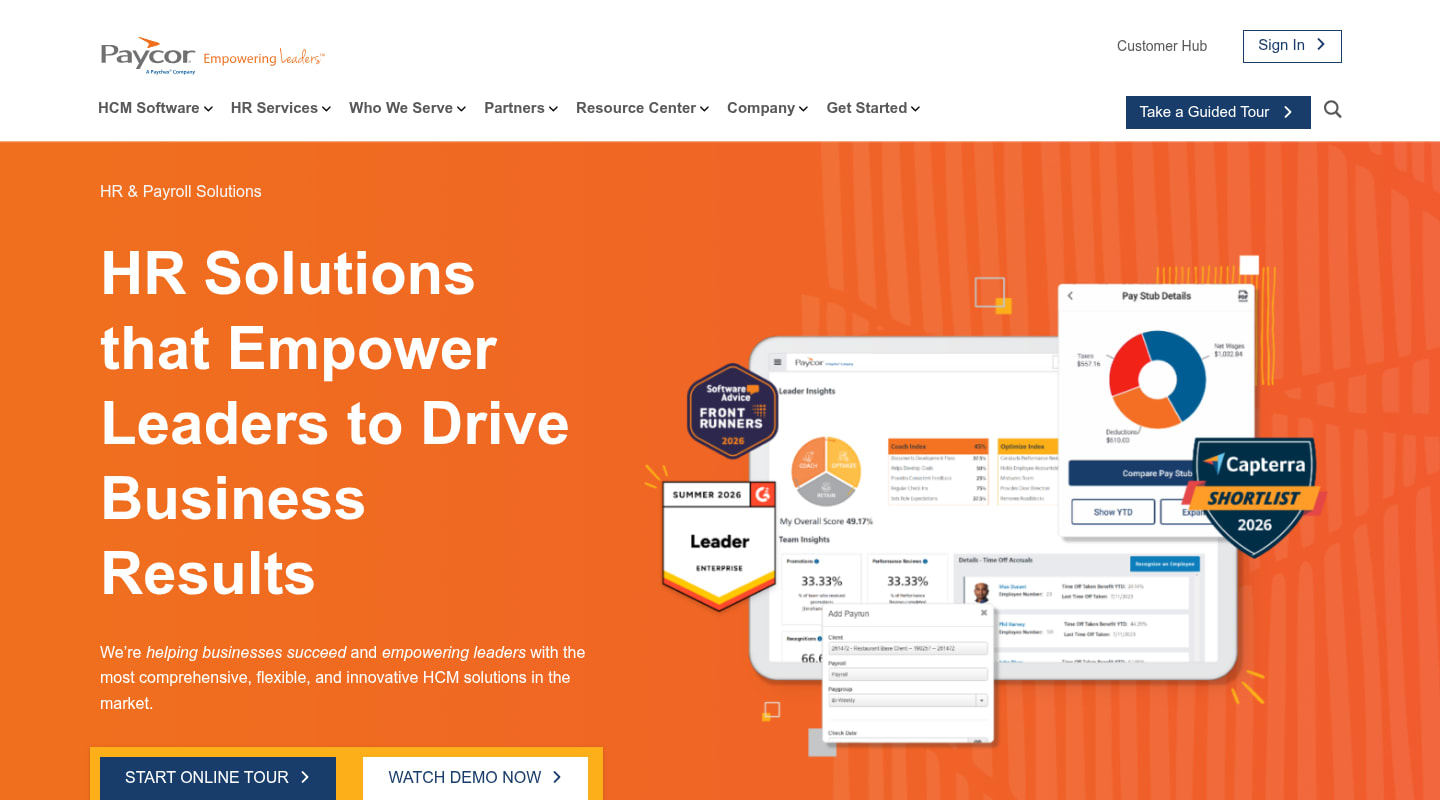
Ideal for: Mid-market teams focused on manager enablement and workforce visibility.
Paycor centers on performance visibility and manager dashboards, giving team leads more insight into their people than a basic HRIS provides. For organizations that want managers closer to the data, it offers more analytics than entry-level tools.
The experience divides reviewers. Paycor holds a 3.9 rating on G2 across more than 1,300 reviews, the lowest in this list, with support quality, missing features, and reporting problems named as repeat issues. Advanced capabilities often sit behind package upgrades, and the interface can feel more administrative than people-first.
Key features:
- Manager dashboards surfacing team insights
- Performance and talent development tooling
- Core HRIS with payroll integration
- Workforce analytics and reporting
Pricing is quote-based and depends on the modules you select. Paycor fits teams that prize manager enablement, though the support record and feature packaging are worth probing during a trial.
-
SAP SuccessFactors
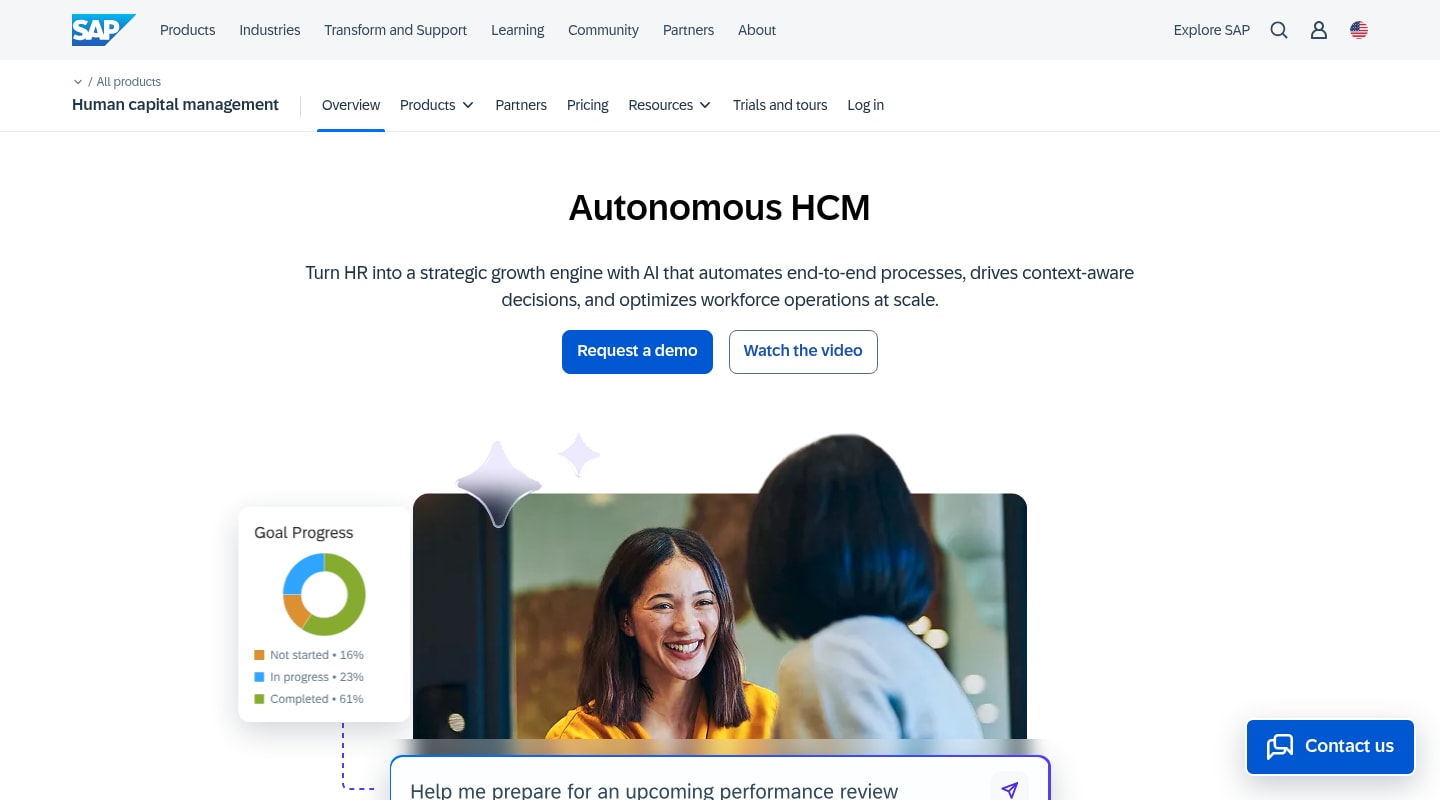
Ideal for: Larger mid-market and enterprise teams already invested in SAP or running complex global talent programs.
SAP SuccessFactors is a mature HCM suite covering core HR, talent, learning, and succession at global scale. For a company already on SAP, the integration with finance and operations is a genuine draw, and the talent modules run deep.
The cost is complexity. Implementations reach enterprise length and expense, the module stack gets pricey for mid-market budgets once you add what the business needs, and the user experience trails purpose-built modern platforms. Running it well takes dedicated administrative expertise, which many 200 to 1,000 person teams don't have on hand.
Key features:
- Employee Central core HR for global operations
- Full talent suite spanning recruiting, performance, and succession
- Learning and development management
- Advanced workforce analytics and planning
Pricing starts low for single modules but climbs once a realistic mid-market configuration adds several, and implementation is a major line item. SuccessFactors makes sense for SAP-aligned organizations or those with complex global operations; cloud-first teams without that context tend to find simpler suites a better fit.
-
Personio
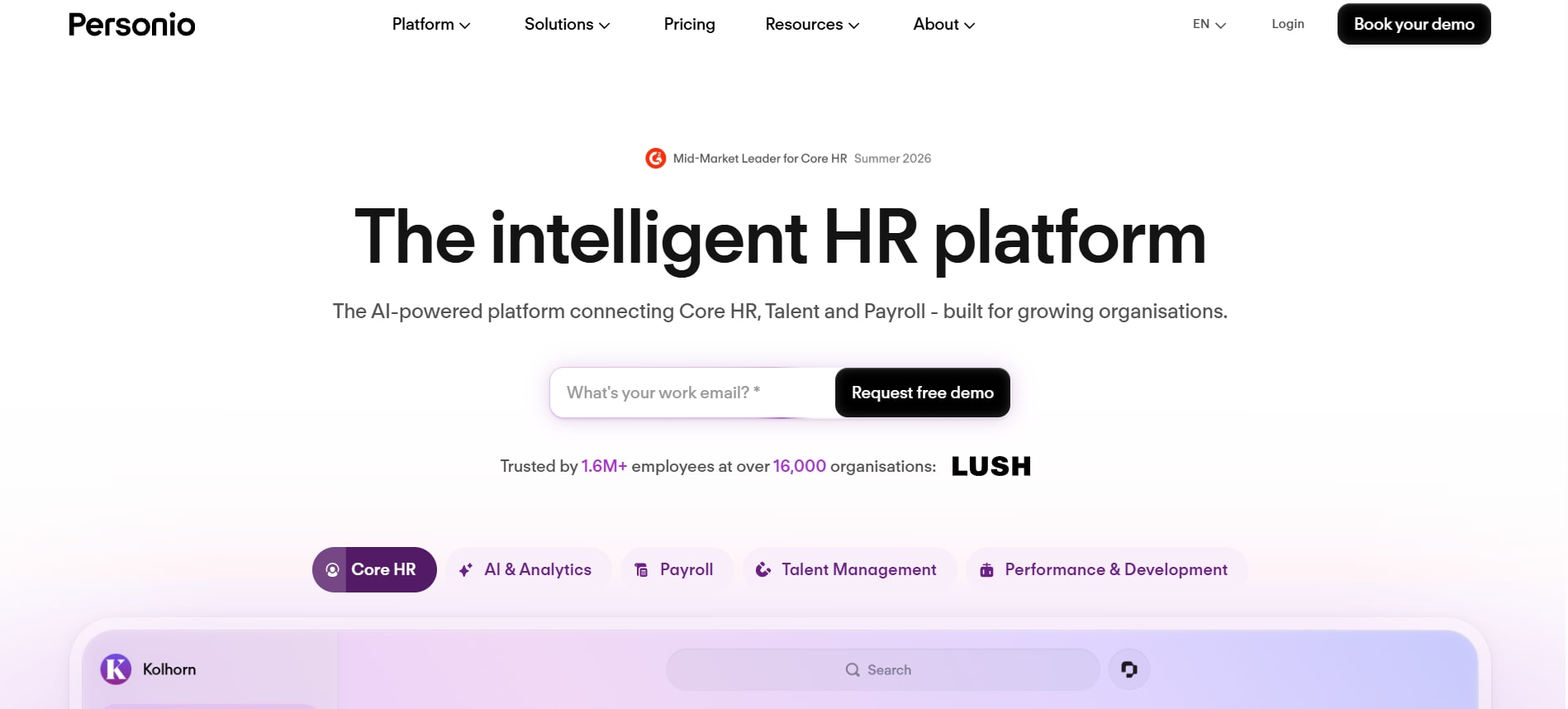
Ideal for: European-headquartered mid-market teams that want strong core HR built for EU compliance.
Personio is a mid-market favorite in Europe, with core HR, absence management, and payroll connections tuned to European requirements. Reviewers give it 4.4 on G2 across more than 800 reviews and praise how intuitive the interface feels for everyday HR work.
Reach and depth are the constraints. G2 users cite missing features and limited customization, and Personio's strength concentrates in Europe, so US teams and companies needing advanced workforce planning find it thinner than the platform's core promise suggests. Higher-end capabilities can also sit behind plan tiers.
Key features:
- Core HR and employee records tuned for EU compliance
- Absence and time management
- Recruiting and onboarding workflows
- Reporting for standard HR operations
Pricing is quote-based by headcount and module. Personio suits European mid-market teams whose needs stay within core HR; US-centered organizations and those planning heavy on workforce modeling tend to want more range.
Rolling out HRMS software without stalling your team
Picking the platform is half the job; the rollout decides whether it sticks. Most mid-market implementations that go sideways share the same root causes, and they're avoidable.
Start with clean data. Migrating years of messy records into a new system carries the mess with it, so dedupe, standardize formats, and validate the essentials before import. A short data-cleanup sprint up front saves months of cleanup after launch.
Map your processes before you configure. Document how onboarding, reviews, and approvals run today, fix what's broken, then set the platform up to match the improved version rather than forcing your team into generic templates.
Bring managers along early. Managers are the adoption lever: if they use the system for check-ins and people decisions, employees follow. Train them on how the tool makes their job easier, not on which buttons exist.
Roll out in phases. Get core HR and everyday workflows stable and adopted, then layer on analytics, performance, and advanced modules. A few pitfalls sink more rollouts than any missing feature:
- Over-customizing at launch instead of starting standard and refining through use
- Treating go-live as the finish line rather than the start of ongoing tuning
- Skipping change management and assuming a good tool sells itself
Set up feedback loops with HR, managers, and employees in the first months, and treat the platform as something you keep improving, not a project you close.
Choosing the best HRMS software for your growth stage
The right HRMS depends on where a company sits and where it's headed. A 150-person team can thrive on a light tool; a 5,000-person multinational needs the depth of an enterprise suite. For the 200 to 1,000 band in between, the winning trait is a connected core that grows with you instead of one you replace at the next stage. That's the case for Bob at the top of this list: one foundation carrying HR, payroll, talent, and planning, with modules you switch on as the work demands and AI built into the workflows your team runs every week. Rippling, Workday, and the rest each earn a place for a specific profile, and the best hrms software for your team is the one that fits your size and your next two years of growth. Start the shortlist where the mid-market math is strongest, and pressure-test it with a pilot before you sign.
HRMS software: common questions
Which is the best HRMS software?
There's no single winner for every company; the best choice tracks your size and priorities. For mid-market teams in the 200 to 1,000 range that want one connected core they can extend, Bob ranks first in this list, with Rippling strong for IT-heavy teams and Workday for those nearing enterprise scale. Match the platform to your headcount, your must-have modules, and your integration needs rather than a generic "best" label.
What's the difference between HRMS, HRIS, and HCM software?
An HRIS is the record-keeping core: people data, org structure, time off, and basic reporting. An HRMS adds operational management on top, such as performance cycles and workflow automation. HCM is the widest term, folding talent, learning, and workforce planning into a strategic whole. Modern platforms blur the lines, so judge a tool on the capabilities it ships rather than the acronym on its homepage.
What are the top 5 HR systems for mid-market companies?
For teams in the 200 to 1,000 band, the shortlist keeps returning to a handful of names: Bob for a connected all-in-one core, Rippling for HR-plus-IT automation, Workday for the upper edge heading toward enterprise, ADP Workforce Now for compliance-heavy payroll, and BambooHR for smaller teams that want simple core HR. Your own five will shift with your priorities, though those cover the common mid-market shortlist.
What software do HR teams use day to day?
Most HR teams run a core HRMS for records, self-service, and workflows, then connect payroll, an applicant tracking system for hiring, and tools for performance and engagement. The trend in the mid-market is consolidation: instead of stitching four vendors together, teams adopt one platform that covers core HR, payroll, talent, and planning so the data stays in one place.
How much does HRMS software cost for a 200 to 1,000 person company?
Most mid-market HRMS vendors, Bob included, price by headcount and the modules you turn on, and quote after a scoping call rather than publishing per-seat rates. The number that matters is total cost over three years: license plus implementation, integrations, admin time, and training. Ask every finalist for that full figure so a low monthly rate doesn't hide a heavy setup bill.
Is any HRMS software free for mid-market teams?
Free tiers exist at the small end of the market, but they cap users and strip out the workflow automation, analytics, and compliance features a 200 to 1,000 person team depends on. A few vendors, such as Zoho People, offer a free plan for tiny teams, though mid-market companies almost always need a paid platform. Budget for a proper system rather than stretching a free tool past its limits.
More in software

Venture
Write for entrepreneurs, founders, and builders.
Share startup lessons, growth tactics, and founder stories with readers on the same journey.
One free account across In Plain English, Stackademic, Venture, and Cubed.
How it works- Startups & entrepreneurship
- Marketing & growth
- Productivity & leadership
- Founder stories & lessons learned
Sign in
Google or GitHub
Complete profile
Takes a few minutes
Get approved & publish
Start sharing
Why write for Venture?
Entrepreneurship is rarely a straight path. The lessons worth sharing are learned while building.
Comments
Loading comments…