Working with independent contractors often means managing several documents at different stages of a business relationship. One common document is Form W-9, which contains information supplied by a contractor for business records and applicable reporting processes. For organizations working with multiple freelancers or independent contractors, requesting a W-9 from a contractor can become easier when the process is organized digitally instead of relying on paper forms, scanned copies, and long email threads.
A structured digital workflow can help businesses send, receive, review, and organize contractor paperwork more consistently. A PDF editor such as pdfFiller allows users to work with electronic documents, including filling forms, editing PDF content, adding annotations, and managing documents that require signatures.
Why a W-9 Request Is Part of Contractor Document Management
Contractor relationships can involve agreements, invoices, project records, and other administrative documents. Keeping these materials organized can make routine business administration easier, particularly when a company works with numerous contractors throughout the year.
A W-9 request can be incorporated into the same document-management process. Rather than treating every contractor request as a separate administrative task, a business can establish a consistent method for delivering the appropriate form, receiving the completed document, and storing it securely.
The process should remain focused on document collection rather than providing tax advice. A business can explain what document it is requesting and how the contractor should return it without making claims about the contractor's individual tax responsibilities.
What Makes a Digital Process Useful?
A digital workflow can reduce some of the unnecessary steps associated with physical paperwork. Depending on the organization's process, it can make it easier to:
- Send a digital form to a contractor.
- Collect completed documents electronically.
- Keep paperwork organized in a central location.
- Review documents without printing them.
- Maintain a consistent process for multiple contractors.
The exact workflow can vary by business, but consistency is particularly useful when contractor records are handled by different employees or departments.
Creating a Simple Digital Request Process
A good contractor-document workflow does not need to be complicated. The first step is identifying the document that needs to be provided and communicating the request clearly. The contractor should understand what document is being requested and how the completed document should be returned.
A digital PDF workflow can remove several paper-based steps. Instead of printing a document, completing it manually, scanning it, and sending it back, a contractor can work with an electronic version where appropriate.
This approach can be particularly practical for remote contractors. A business can maintain the process electronically even when the contractor and administrative team are located in different places.
Using a Fillable Form
Fillable forms are useful when information needs to be entered directly into designated areas of a document. They can also make recurring administrative processes more consistent.
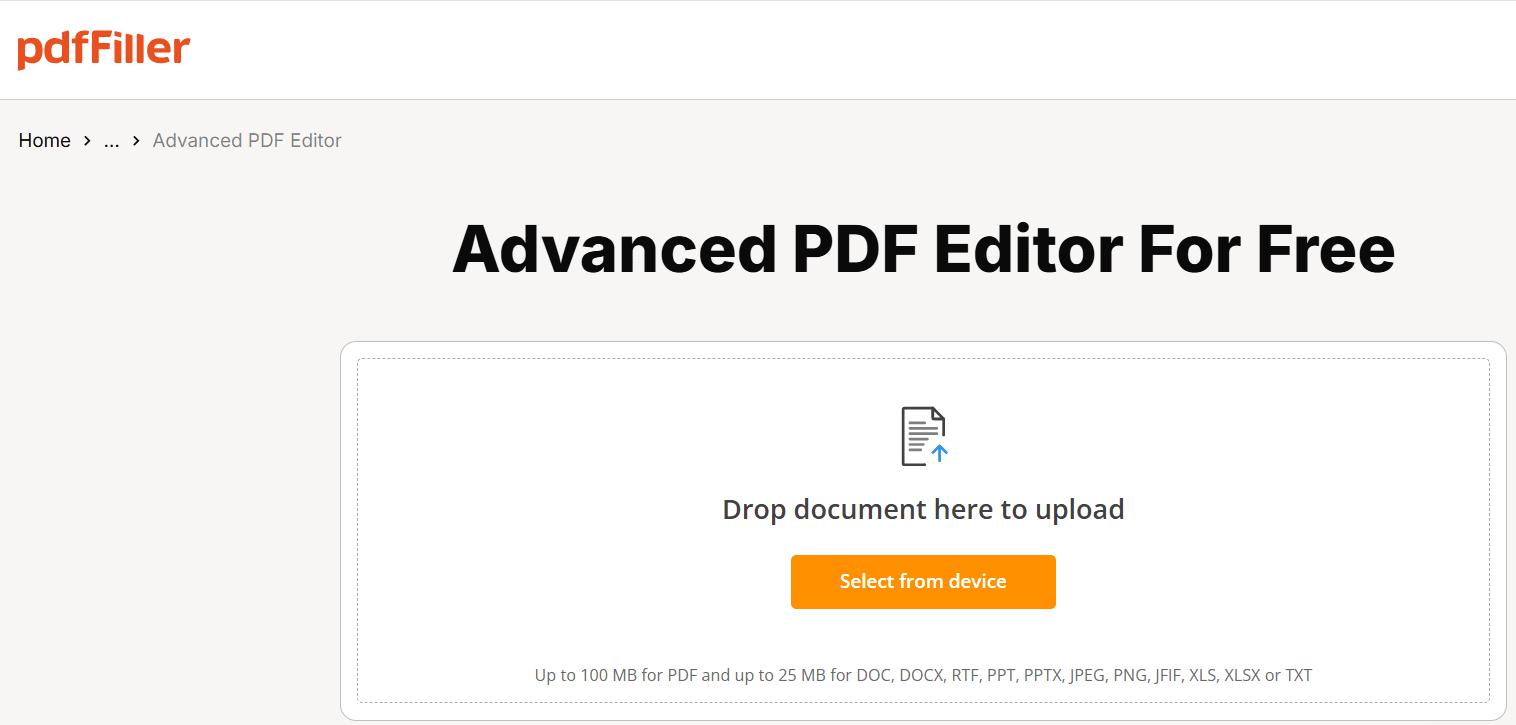
pdfFiller provides a library of over 100,000 forms and form templates, including state-specific legal and business forms. Its PDF editor allows users to edit text and content directly inside a PDF and add images, comments, stamps, and annotations.
For contractor paperwork, the advantage is the ability to handle the document digitally rather than building a separate paper-based process around it.
Sending and Handling Documents Securely
Security is an important consideration whenever business documents contain sensitive information. Contractor paperwork should be handled through an organized process that limits unnecessary sharing and keeps records accessible to authorized users.
According to the supplied pdfFiller information, documents remain in the user's private account and are not shared with third parties or used to train AI models. The service uses 256-bit AES encryption for information in transit and at rest.
Other available security features include:
- Two-factor authentication.
- Per-document password protection.
- Additional signer authentication.
- Document expiry dates.
- Audit Trail records showing document activity.
The Audit Trail records who viewed, edited, signed, or shared a document, along with timestamps and IP addresses. This can provide useful visibility when a business needs to understand the history of a particular document.
Keeping Contractor Records Organized
Receiving a completed form is only one part of the process. Businesses also need a practical way to organize documents after they are received.
An organization might arrange contractor records by year, department, project, or another internal category. The specific method is less important than using a consistent system.
A well-organized digital workflow can help prevent completed documents from becoming scattered across individual inboxes, local computers, or unrelated folders.
When an Electronic Signature Is Needed
Different business documents require different types of interaction. Some forms may only need information entered, while other documents may require a signature.
pdfFiller supports eSignatures, including certificate-based eSignatures with audit trails. Its eSignature capabilities are supported in line with the ESIGN Act, UETA, eIDAS, and GDPR, according to the supplied product information.
This allows electronic signing to be incorporated into workflows where a signature is appropriate. Businesses can decide where signing belongs in their own document process rather than adding unnecessary steps to every contractor form.
Reducing Email Back-and-Forth
A structured electronic workflow can also reduce repeated communication. Instead of sending several messages asking for documents, a business can establish a standard process for providing, completing, and returning paperwork.
pdfFiller's LinkToFill feature can turn a document into a public web link that collects signatures and data. This can be useful when information needs to be collected from people who are outside the organization's internal document environment.
For businesses handling contractor paperwork regularly, having a repeatable process can make document collection more predictable.
Managing Contractor Forms Across Different Work Environments
Contractors may work remotely, travel between job sites, or operate from locations far from a company's main office. A digital document system can make it easier to maintain consistent paperwork processes across these situations.
pdfFiller is available as a web application as well as iOS and Android apps, giving users multiple ways to access electronic documents.
The platform also supports several other document-management capabilities, including:
- Merging and splitting documents.
- Rearranging and comparing documents.
- OCR for turning scanned files into editable text.
- Adding comments, stamps, and annotations.
- Building and publishing fillable forms.
These capabilities can be useful when contractor paperwork arrives in different formats and needs to be incorporated into an existing digital workflow.
A Practical Workflow for Contractor Paperwork
A simple process can help businesses handle contractor documents consistently. It can begin with a clear request and continue through completion, review, and storage.
A typical workflow may look like this:
- Identify the required document and prepare the appropriate digital form.
- Send the request to the contractor with clear instructions for returning the document.
- Allow the contractor to complete the form electronically where appropriate.
- Review the returned document to make sure it is complete for the organization's records.
- Store the document securely according to the company's internal document-management system.
- Use additional document actions when needed, such as signing, authentication, or adding an audit trail.
The benefit of this approach is consistency. When the same basic process is used for multiple contractors, administrative teams do not need to reinvent the workflow each time.
Making Contractor Document Management More Consistent
Managing a single contractor document may seem simple, but the administrative workload can increase when a business works with dozens or hundreds of independent contractors. A consistent electronic process can make routine document handling easier to manage.
The focus should be on creating a straightforward workflow that contractors can understand and internal teams can repeat. Clear requests, organized storage, controlled access, and appropriate document-security measures can all contribute to a more reliable process.
pdfFiller's combination of PDF editing, fillable forms, electronic signatures, document security, and mobile access provides tools that can support this type of workflow without requiring the business to manage every document as a separate paper process.
FAQ
How can I request a W-9 from a contractor?
A business can send the contractor a clear request identifying the W-9 and explaining how the completed document should be returned. Using a digital form can allow the contractor to complete and return the document electronically, helping the business maintain a more organized document-collection process.
Can a W-9 be completed electronically?
A W-9 can be incorporated into an electronic document workflow. A PDF editor can allow users to work with the digital form, enter information into appropriate fields, and save or return the completed document electronically instead of relying entirely on printed paperwork.
How should completed contractor forms be organized?
Businesses can establish an internal filing system based on factors such as contractor, year, department, or project. The most important consideration is consistency. A standardized system makes it easier for authorized staff to locate documents without searching through multiple email accounts or unrelated folders.
Does pdfFiller support fillable forms?
Yes. pdfFiller supports fillable forms and provides a library of over 100,000 forms and form templates, including state-specific legal and business forms. Users can also edit PDF content directly, add annotations, and manage electronic documents within the platform.
Does pdfFiller support electronic signatures?
Yes. pdfFiller supports eSignatures, including certificate-based eSignatures with audit trails. Its electronic signature capabilities are described as supporting the ESIGN Act, UETA, eIDAS, and GDPR, allowing electronic signing to be incorporated into appropriate document workflows.
More in business
Venture
Write for entrepreneurs, founders, and builders.
Share startup lessons, growth tactics, and founder stories with readers on the same journey.
One free account across In Plain English, Stackademic, Venture, and Cubed.
How it works- Startups & entrepreneurship
- Marketing & growth
- Productivity & leadership
- Founder stories & lessons learned
Sign in
Google or GitHub
Complete profile
Takes a few minutes
Get approved & publish
Start sharing
Why write for Venture?
Entrepreneurship is rarely a straight path. The lessons worth sharing are learned while building.

Comments
Loading comments…