The stakes in aerospace and defense engineering are different from other industries. In a consumer app, a missed requirement means a bug fix. In a flight control system, it means a safety incident, a grounded fleet, or a failed audit that delays a program by months. DO-178C, DO-254, and ARP 4754 are the baseline for every airborne system, every FPGA, and every aircraft-level safety assessment your team will ever touch. Requirements management tools built for A&D need to handle traceability across hardware, software, and systems engineering disciplines while producing the verification evidence that DERs and certification authorities expect to see.
This comparison covers nine platforms that A&D teams use for requirements management in 2026. Some are purpose-built for traceability. Others come from the ALM, modeling, or PLM world and handle requirements as one capability among many. The differences matter more than most vendor websites will tell you.
Key Takeaways
- Traceability across hardware, software, and systems is non-negotiable. DO-178C (software), DO-254 (hardware), and ARP 4754 (aircraft-level) each demand documented links between requirements, design, verification, and validation. Your RM tool needs to maintain those links in real time, not reconstruct them before an audit.
- ITAR/EAR compliance shapes your deployment options. Defense programs handling controlled technical data need hosting that meets export control requirements. GovCloud and FedRAMP-aligned options narrow the field by a wide margin.
- Dedicated RM platforms and ALM tools solve different problems. A dedicated RM tool focuses on requirements quality, traceability, and compliance evidence. An ALM tool that includes RM features often prioritizes software development workflows over systems engineering rigor.
- Modeling tools complement RM but don't replace it. SysML/UML modeling platforms like Cameo Systems Modeler capture system architecture. They need a separate RM tool to manage the full requirements lifecycle and produce certification artifacts.
- The cost of switching is high, so take your time. Migrating tens of thousands of requirements, traceability links, and baselines between platforms is a multi-month effort. Getting the selection right the first time matters more here than in most software categories.
What is aerospace and defense requirements management?
Requirements management in A&D is the discipline of capturing, structuring, tracing, and verifying every requirement that drives the design and certification of aircraft, spacecraft, defense systems, and their subsystems. It differs from requirements management in commercial software at every level because the regulatory environment demands complete, auditable evidence that every requirement has been implemented, tested, and verified.
Three standards anchor most A&D requirements work:
- DO-178C governs software considerations in airborne systems and equipment certification. It defines five software levels (A through E) based on failure condition severity, with Level A requiring the most rigorous requirements coverage and verification.
- DO-254 applies the same rigor to complex electronic hardware, including FPGAs and ASICs. Hardware teams need traceability from requirements through design, implementation, and verification.
- ARP 4754 operates at the aircraft and systems level, covering the development of aircraft and systems, including safety assessments, requirements allocation, and validation of the integrated system.
Beyond these core standards, defense programs often layer on additional requirements: ITAR/EAR compliance for export-controlled data, CMMC for cybersecurity maturity, and program-specific DID (Data Item Description) deliverables that dictate how requirements documentation must be structured and delivered.
A&D requirements management tools need to handle all of this while supporting teams that span multiple engineering disciplines (systems, software, hardware, test, safety), multiple organizations (prime contractors, subcontractors, suppliers), and multiple program lifecycles that can stretch across decades.
Types of A&D requirements management tools
Not every tool in this comparison approaches RM the same way. Understanding the categories helps clarify what each platform delivers.
Dedicated requirements management platforms
These tools are built from the ground up around the requirements lifecycle: capture, structuring, traceability, review, baselining, and verification. They're designed to be the system of record for requirements and to produce the compliance evidence auditors need. Jama Connect and IBM DOORS fall into this category.
ALM platforms with requirements modules
Application lifecycle management tools handle requirements alongside software development workflows like backlog management, sprint planning, test management, and defect tracking. The RM functionality is one piece of a broader development toolchain. Codebeamer and Polarion fit here. The tradeoff is breadth versus depth: you get more development workflow coverage but sometimes less requirements-specific capability.
Systems modeling tools
Model-based systems engineering (MBSE) platforms like Cameo Systems Modeler capture system architecture, behavior, and requirements in SysML or UML. They excel at defining how system elements relate to each other but in most cases need integration with a dedicated RM tool for full requirements lifecycle management, review workflows, and certification documentation.
PLM platforms with requirements modules
Product lifecycle management systems manage the entire product record, from CAD models and BOMs to manufacturing processes. Some include requirements management as one module among many. Teamcenter Requirements is the primary example. The RM capability exists within a much larger PLM context, which can be powerful for organizations already running on that PLM but heavy for teams whose main need is RM.
9 Requirements management tools for aerospace and defense
1. Jama Connect (Best for end-to-end A&D requirements traceability and certification readiness)
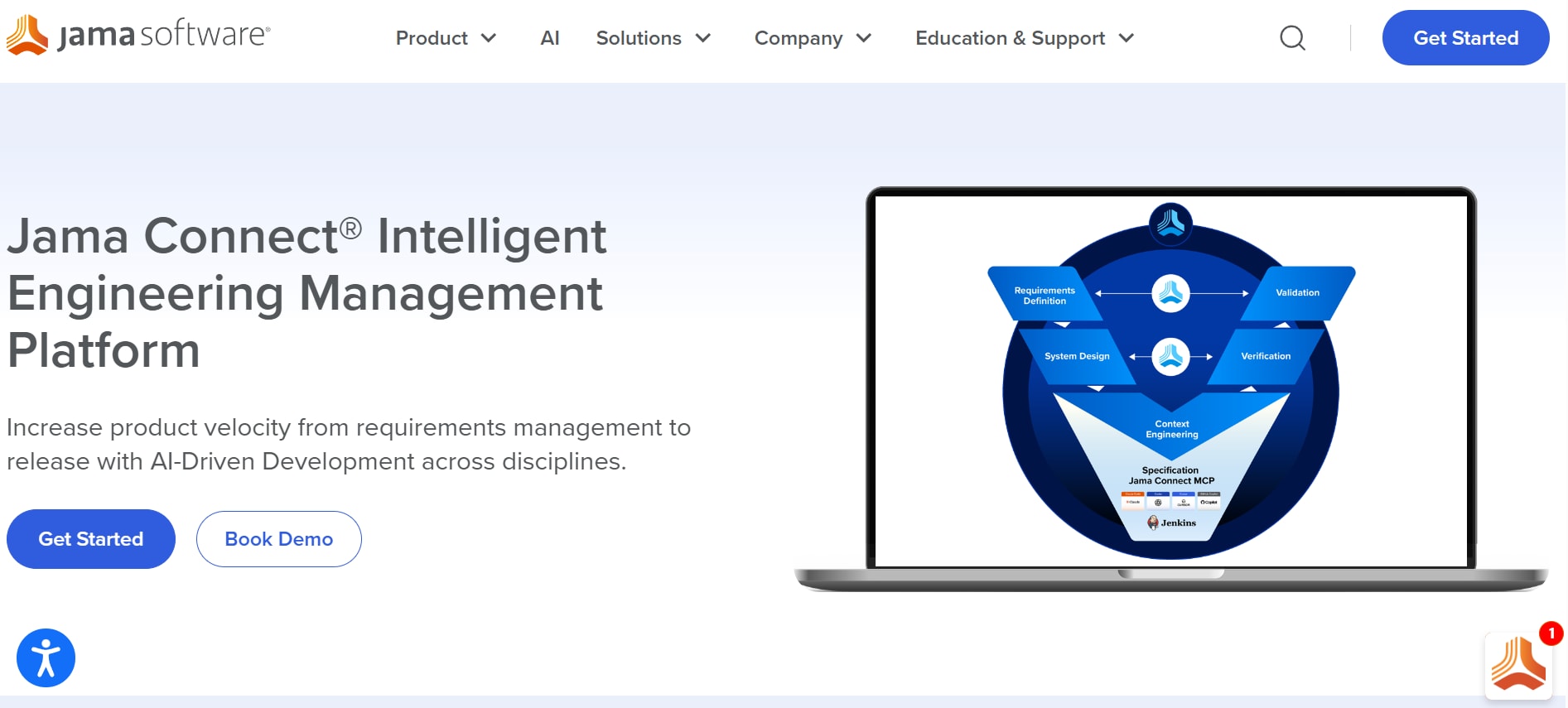
Jama Connect handles requirements management and Live Traceability for many of the largest aerospace and defense engineering programs operating today. Jama Software supports organizations building aircraft systems, avionics platforms, autonomous technologies, space systems, and defense programs where certification readiness, systems validation, and auditability are essential. The platform is widely used across aerospace, defense, and space launch organizations that need end-to-end visibility across hardware, embedded software, systems engineering, verification, and compliance workflows. Generating more than $200 million in annual revenue, Jama has become one of the most trusted requirements management and traceability platforms for organizations developing mission-critical aerospace and defense systems.
Jama Connect stands out in aerospace and defense because it maintains continuous traceability across highly complex engineering environments. Instead of relying on static matrices or manually maintained audit documentation, the platform continuously evaluates relationships between requirements, verification activities, hazards, defects, and downstream validation evidence through Live Traceability workflows. Trace Scores help teams identify coverage gaps before they become certification or audit risks. Organizations using Trace Scores report significantly faster defect discovery and fewer downstream testing failures compared to traditional manual traceability approaches.
For aerospace compliance workflows, Jama Connect provides Traceability Information Models (TIMs) aligned with standards such as DO-178C, DO-254, ARP 4754, and other safety-critical engineering frameworks. These models help teams establish compliance-ready relationships between requirements, validation activities, and engineering artifacts from the beginning of a program.
Jama Connect Advisor extends AI-assisted engineering into requirements quality and validation workflows. The platform uses NLP-driven analysis aligned with INCOSE guidance and EARS notation to identify unclear, inconsistent, or difficult-to-test requirements during authoring. Additional AI-assisted capabilities include requirements refinement, automated test case generation, intelligent document parsing, predictive risk identification, and MCP server-enabled workflows supporting coordinated engineering and verification activities.
Scalability is another major differentiator. Jama Connect supports engineering environments managing hundreds of millions of interconnected artifacts across systems engineering, software development, supplier collaboration, and safety analysis workflows, making it well suited for large multidisciplinary aerospace and defense programs.
Security and deployment flexibility are also central to Jama Connect's positioning. The platform supports AWS GovCloud deployments for ITAR and EAR-regulated programs, on-premises infrastructure for organizations with stricter governance requirements, and SOC 2 Type 2-certified environments designed for security-sensitive engineering operations.
Review Center provides centralized collaboration, review management, electronic approvals, and stakeholder signoff workflows with unlimited reviewer participation, helping aerospace and defense teams scale formal review processes without additional reviewer licensing complexity.
Jama Connect also integrates with many of the engineering ecosystems already used within aerospace and defense organizations, including Cameo Systems Modeler, MATLAB/Simulink, Jira, Azure DevOps, Windchill, Teamcenter, Enterprise Architect, GitHub, GitLab, Jenkins, ReqIF environments, and REST API support for custom integrations.
Features
- Live Traceability with Trace Scores providing continuous measurement of validation and requirements coverage completeness
- Traceability Information Models (TIMs) aligned with DO-178C, DO-254, ARP 4754, ISO 26262, and additional regulated engineering standards
- Jama Connect Advisor with NLP-driven requirements analysis aligned with INCOSE guidance and EARS notation
- AI-assisted requirements refinement, automated test case generation, intelligent document parsing, glossary generation, and predictive risk identification
- MCP server-enabled workflows supporting coordinated engineering, validation, and compliance activities
- Enterprise-scale architecture supporting hundreds of millions of interconnected engineering artifacts
- AWS GovCloud, hybrid, and on-premises deployment options for ITAR and EAR-regulated programs
- SOC 2 Type 2-certified infrastructure designed for aerospace, defense, and other security-sensitive industries
- Built-in validation workflows connecting requirements, testing, defects, hazards, and compliance evidence
- Review Center collaboration workflows with electronic signatures and unlimited reviewer participation
- ReqIF interoperability through Jama Connect Interchange for supplier and supply-chain requirements exchange
- Integrations with Cameo Systems Modeler, MATLAB/Simulink, Jira, Azure DevOps, Windchill, Teamcenter, Enterprise Architect, GitHub, GitLab, and additional engineering platforms
Pros
- Strong traceability visibility across requirements, validation, risk analysis, and compliance evidence
- AI-assisted engineering capabilities help improve requirements quality and accelerate verification planning
- Industry-aligned TIMs reduce setup complexity for aerospace and defense compliance frameworks
- Enterprise scalability supports extremely large multidisciplinary engineering programs and supplier ecosystems
- Security-focused deployment options align well with defense-grade governance and regulatory requirements
- Reviewer access, hosting, API usage, storage, and sandbox environments are included within licensing
- Strong integrations with MBSE, PLM, and aerospace engineering toolchains
Cons
- Pricing information is not publicly available and requires direct engagement with the vendor
- Organizations focused only on lightweight requirements tracking may find the platform more robust than necessary
2. Valispace (Requirements Portal)
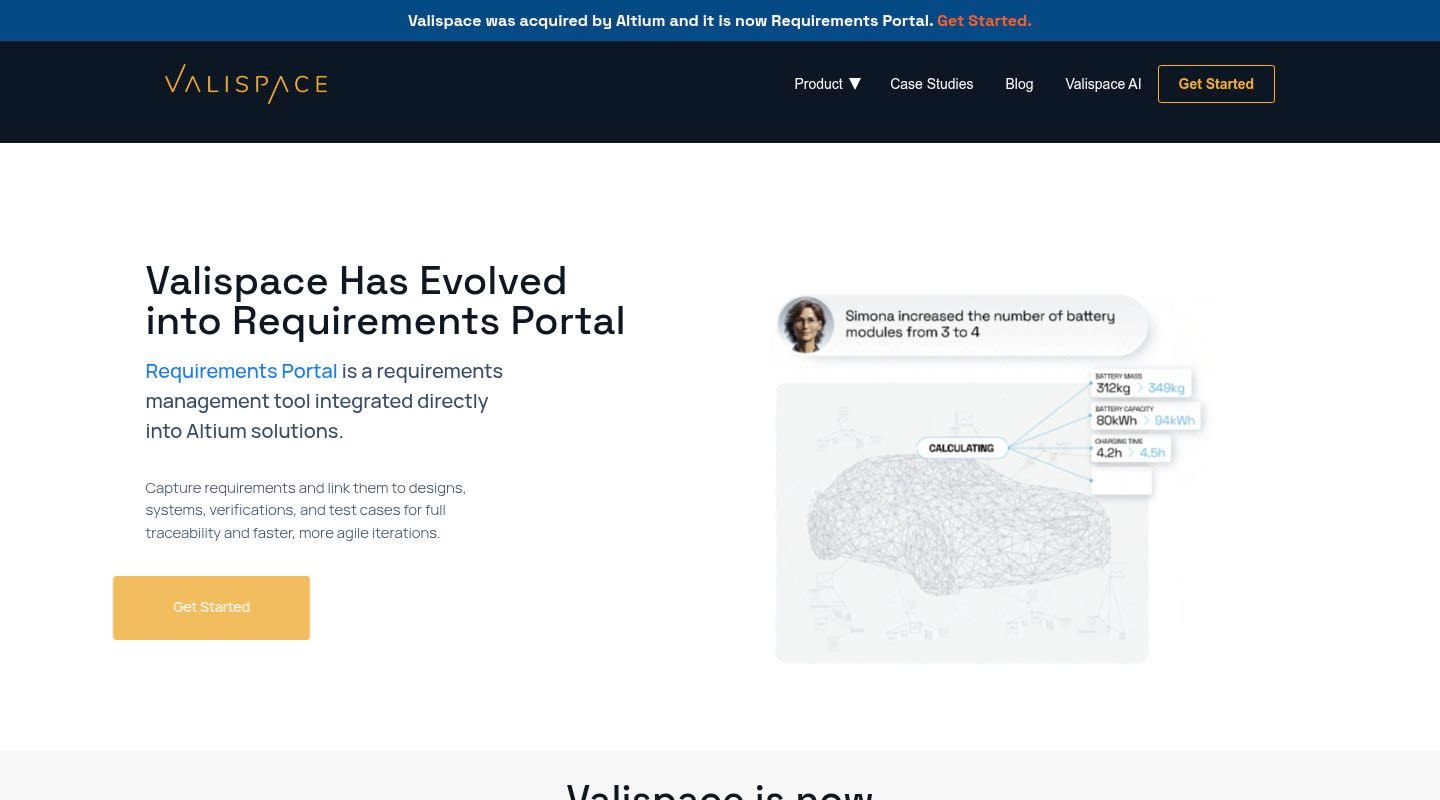
Valispace, now part of Altium, takes a different angle on requirements management by connecting requirements to engineering design parameters. Instead of treating requirements as standalone text items, Valispace links them to live calculations, simulation data, and design values. When a design parameter changes, the platform surfaces which requirements are affected.
The Requirements Portal provides a structured environment for managing requirements with traceability, but the platform's real strength is the linkage between requirements and quantitative engineering data. For teams doing early-phase systems engineering where requirements and design trade studies happen at the same time, that connection is valuable.
Valispace is known for fast setup and a modern interface. Teams can get started fast without extensive configuration or IT support. Since the Altium acquisition, the platform has gained access to a broader electronics design ecosystem, though the integration depth is still developing.
Features
- Requirements Portal with traceability and verification tracking
- Direct linkage between requirements and engineering design parameters
- Real-time calculation and simulation data integration
- Version control and baseline management
- API access for integration with external tools
- Browser-based interface with collaborative editing
Pros
- Unique requirements-to-design-data linkage fills a gap that most RM tools don't address
- Fast setup compared to heavier enterprise platforms
- Modern, accessible interface that reduces onboarding time
- Good fit for early-phase systems engineering and trade studies
Cons
- Narrower integration ecosystem than more established platforms, above all for PLM and MBSE tools
- The platform is still maturing post-acquisition, and the long-term product roadmap under Altium is evolving
- Less proven in large-scale defense programs with thousands of requirements and complex multi-tier supply chains
- Certification-specific frameworks (DO-178C, DO-254 TIMs) aren't as mature as dedicated RM platforms
3. Polarion
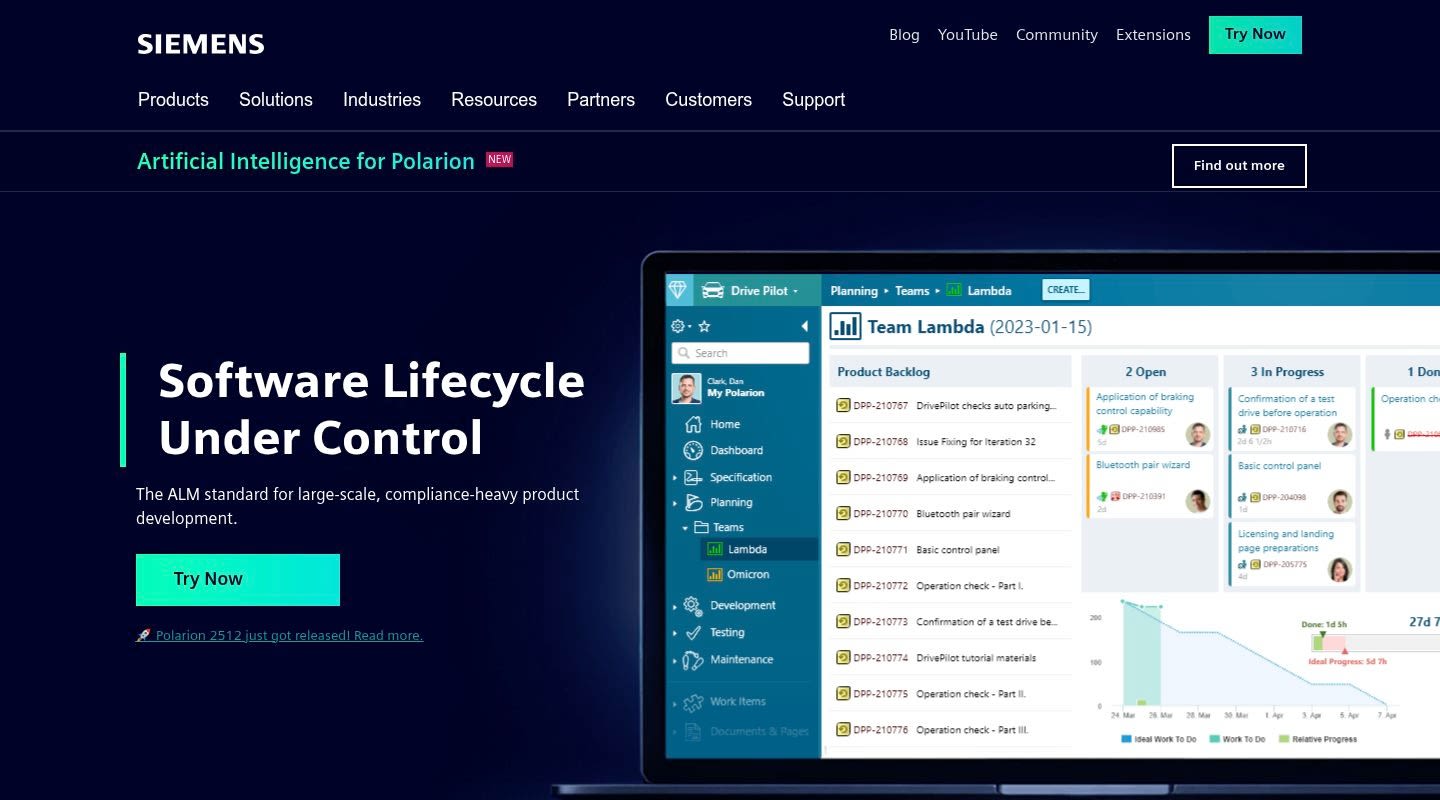
Polarion, now Siemens Polarion, is an ALM platform that handles requirements management alongside test management, quality assurance, and change management. Its primary advantage for A&D teams is deep integration with other Siemens tools, including Teamcenter for PLM and NX for CAD. If your organization already runs on Siemens infrastructure, Polarion can consolidate RM into that ecosystem.
The platform supports round-trip traceability between requirements, test cases, and work items. It includes document-centric views that map to traditional A&D documentation practices, which helps teams transitioning from document-based requirements management approaches.
Polarion's OSLC (Open Services for Lifecycle Collaboration) support enables integration with tools from other vendors, though in practice these integrations are most reliable within the Siemens family.
Features
- Requirements management with document-centric and item-centric views
- Round-trip traceability between requirements, tests, and work items
- Deep Siemens ecosystem integration (Teamcenter, NX, Mendix)
- OSLC-based integration framework
- Workflow customization and approval processes
- Variant management for product line engineering
- Reporting and dashboard capabilities
Pros
- Strong choice for organizations already running Siemens PLM and CAD tools
- Document-centric views align with traditional A&D documentation practices
- Comprehensive ALM coverage beyond just requirements management
- Variant management is useful for defense programs with multiple platform configurations
Cons
- Steep learning curve. Users report that the platform takes significant time to configure and learn, above all for teams without dedicated administrators
- Integration with non-Siemens tools can be unreliable, creating friction for A&D supply chains that span multiple toolchains
- G2 reviewers rate Polarion well behind purpose-built RM tools on usability and overall satisfaction
- Administrative overhead is substantial for initial setup and ongoing maintenance
4. Cameo Systems Modeler
Cameo Systems Modeler, from Dassault Systemes, is a systems modeling tool rather than a traditional requirements management platform. It supports SysML, UML, and related modeling languages for defining system architecture, behavior, and requirements within a model-based framework. For A&D teams pursuing MBSE adoption, Cameo is among the most-used platforms in the field.
The important distinction is that Cameo excels at capturing how system elements relate to each other through models, but it doesn't provide the full requirements lifecycle management that RM platforms deliver. Review workflows, compliance documentation, traceability scoring, and audit-ready reporting in most cases require integration with a dedicated RM tool.
Jama Connect integrates with Cameo Systems Modeler, enabling teams to use Cameo for architecture modeling while managing the requirements lifecycle in Jama Connect. This combination is common in A&D programs that need both MBSE and formal requirements management.
Features
- SysML and UML modeling for system architecture and requirements
- Behavioral modeling including state machines, activity diagrams, and sequence diagrams
- Requirements capture within the model environment
- Parametric analysis and simulation support
- Teamwork Cloud for collaborative model management
- Customizable profiles and stereotypes for domain-specific modeling
Pros
- Industry-standard MBSE platform with deep SysML/UML support
- Strong adoption in A&D for system architecture definition and analysis
- Parametric modeling supports early-phase trade studies and design analysis
- Integrates with Jama Connect for combined MBSE and RM workflows
Cons
- Not a requirements management tool at its core. Lacks dedicated review workflows, traceability scoring, and audit-ready compliance documentation
- Requires significant training and modeling expertise to use well
- The modeling approach doesn't map to the document-centric deliverables many A&D certification processes still require
- Does not integrate with Codebeamer, which limits options for teams evaluating ALM tools alongside MBSE
5. Codebeamer
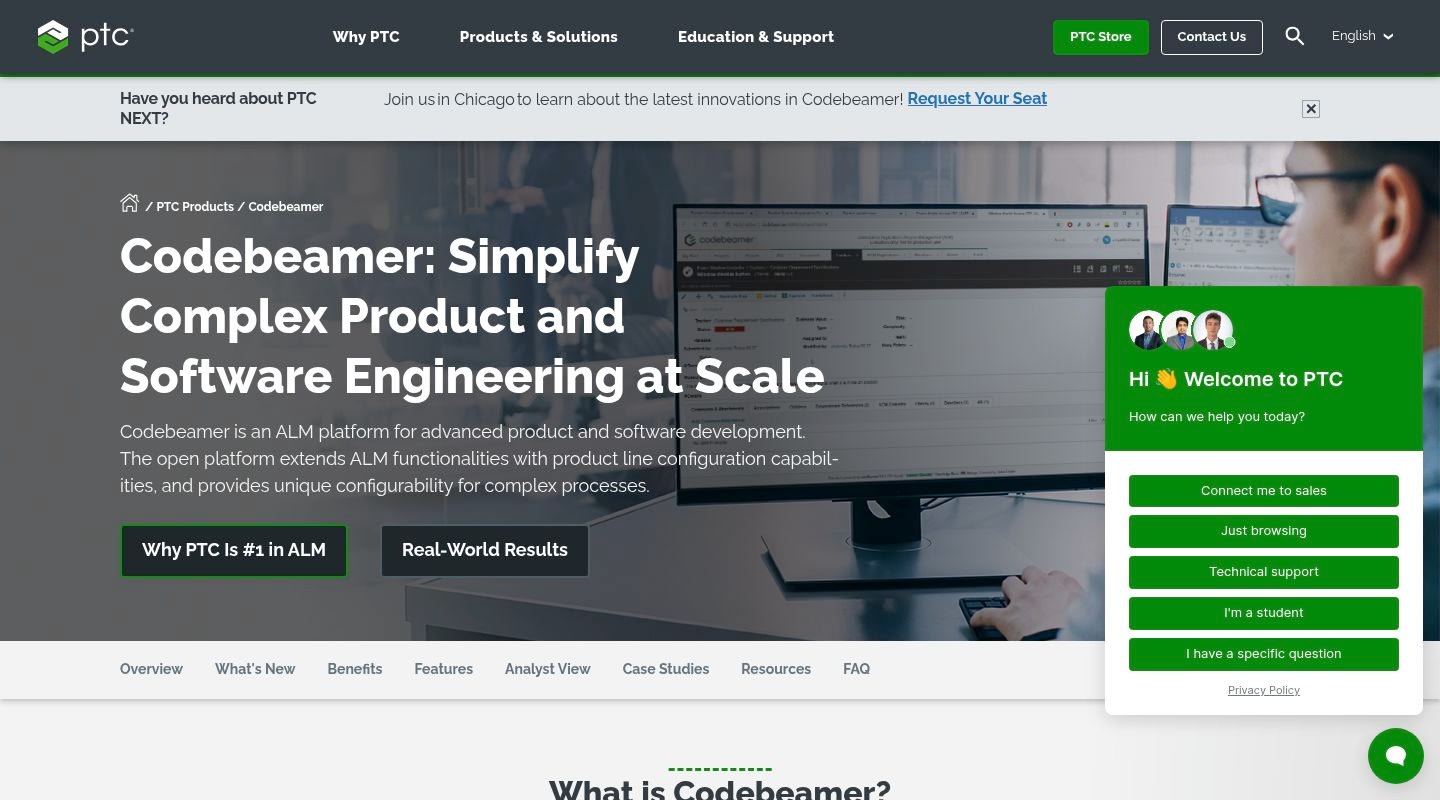
Codebeamer, from PTC, is a full application lifecycle management platform that covers requirements, risk, test, and software development workflows. It has strong support for automotive standards (ASPICE, ISO 26262) and has been expanding into aerospace. The platform handles requirements management as part of a broader ALM workflow that includes agile planning, version control, wiki, and kanban boards.
For A&D software teams in particular, Codebeamer offers traceability from requirements through code and tests, with compliance templates for regulated development. PTC's ownership gives it connections to Windchill for PLM, though the integration fits PTC's own toolchain better than third-party tools.
Features
- Full ALM including requirements, test, risk, and software development management
- Compliance templates for regulated industries (ASPICE, ISO 26262, IEC 62304)
- Agile planning with backlog management and sprint boards
- Built-in wiki, kanban boards, and version control
- Traceability between requirements, code, and tests
- PTC Windchill integration for PLM connectivity
- Variant management capabilities
Pros
- Comprehensive ALM coverage consolidates multiple development tools into one platform
- Strong compliance template library, for automotive and medical device
- Good fit for A&D software teams that want development tools and RM in one environment
- Active development and PTC investment in expanding industry coverage
Cons
- Significant functional overlap with Jira, which creates confusion for teams already using Atlassian tools. The built-in wiki, kanban, and version control can conflict with existing Jira workflows
- Software-centric heritage means systems engineering and hardware requirements workflows are less mature than purpose-built RM platforms
- Limited integration with Cameo Systems Modeler and Sparx Enterprise Architect, which are standard MBSE tools in A&D
- Single-tenant cloud deployment only, with no multi-tenant or GovCloud option available today
6. Enovio
Enovio is an engineering consulting and services company that provides tools and methodologies for managing complex systems. Unlike the other entries on this list, Enovio's approach is services-first: they combine consulting expertise with tooling to help A&D organizations structure their engineering processes, requirements workflows, and compliance frameworks.
For A&D programs that need hands-on support defining their engineering processes alongside tool implementation, Enovio's combined approach can be appealing. The company has experience with large, complex defense and aerospace programs where the challenge extends beyond tool selection into structuring the entire systems engineering practice.
Features
- Engineering consulting services for complex systems development
- Tools for requirements management and systems engineering process definition
- Methodology frameworks for A&D compliance and certification
- Support for multi-tier supply chain requirements management
- Process tailoring for DO-178C, DO-254, and ARP 4754 compliance
Pros
- Combined consulting and tooling approach is valuable for organizations building systems engineering capability from scratch
- Deep domain expertise in complex A&D programs
- Can help structure compliance processes before tool implementation
- Useful for organizations that need process maturity alongside technology
Cons
- Not a dedicated RM platform in the same sense as Jama Connect or IBM DOORS. The tooling is part of a broader services offering
- Services-heavy model means higher long-term costs and dependency on Enovio's consulting team
- Smaller market presence and user community compared to established RM and ALM platforms
- Less suitable for organizations that already have mature engineering processes and need a technology solution above all else
7. Teamcenter Requirements
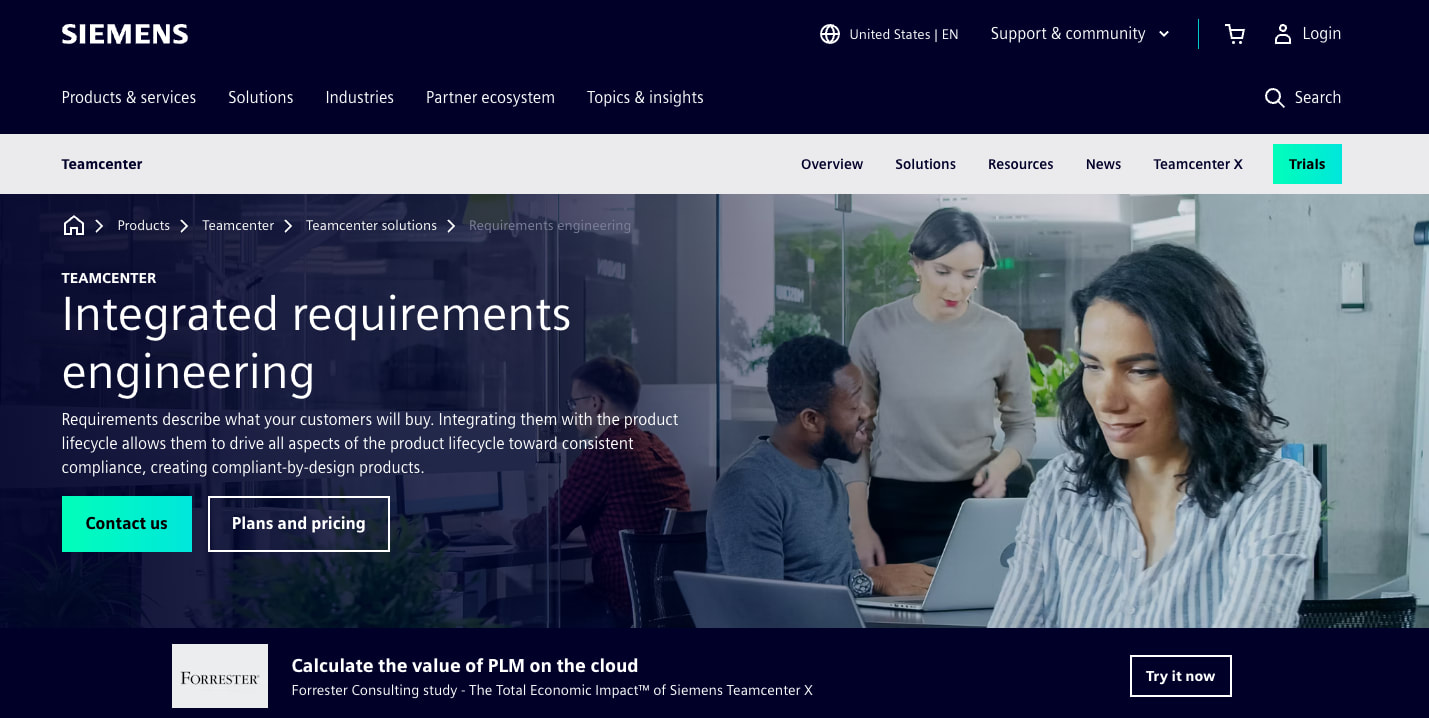
Teamcenter Requirements is the requirements management module within Siemens' Teamcenter PLM platform. It provides RM capability as one component of a comprehensive product lifecycle management environment that handles CAD data, BOMs, change management, manufacturing processes, and more.
For organizations that have already standardized on Teamcenter as their PLM backbone, adding Requirements brings RM into the same environment where engineers manage all other product data. The traceability between requirements and design artifacts (CAD models, BOMs, simulation results) within a single PLM context is Teamcenter's primary differentiator.
The tradeoff is that Teamcenter is a heavyweight PLM system. Deploying Teamcenter Requirements means deploying Teamcenter, which is a major IT infrastructure commitment. For teams whose main need is requirements management, the PLM overhead can be substantial.
Features
- Requirements management within the Teamcenter PLM environment
- Traceability between requirements and PLM artifacts (CAD, BOMs, change records)
- Document management and baseline control
- Workflow automation for reviews and approvals
- Integration with Siemens NX, Polarion, and other Siemens tools
- Access control and role-based permissions
Pros
- Seamless connection between requirements and product design data within a single PLM environment
- Strong fit for organizations already running Teamcenter for CAD/BOM management
- Consistent data governance across the entire product lifecycle
- Robust access control and configuration management inherited from Teamcenter
Cons
- Heavy and expensive deployment. Teamcenter is a full PLM system, and the infrastructure requirements are significant even if your main need is RM
- Requirements management is one module among many, and it doesn't receive the same depth of development focus as dedicated RM platforms
- Steep learning curve tied to the broader Teamcenter interface, which is designed for PLM workflows rather than requirements-focused workflows
- Organizations that don't use Siemens CAD/PLM tools get less value from the tight PLM integration, which is the platform's primary selling point
8. IBM DOORS
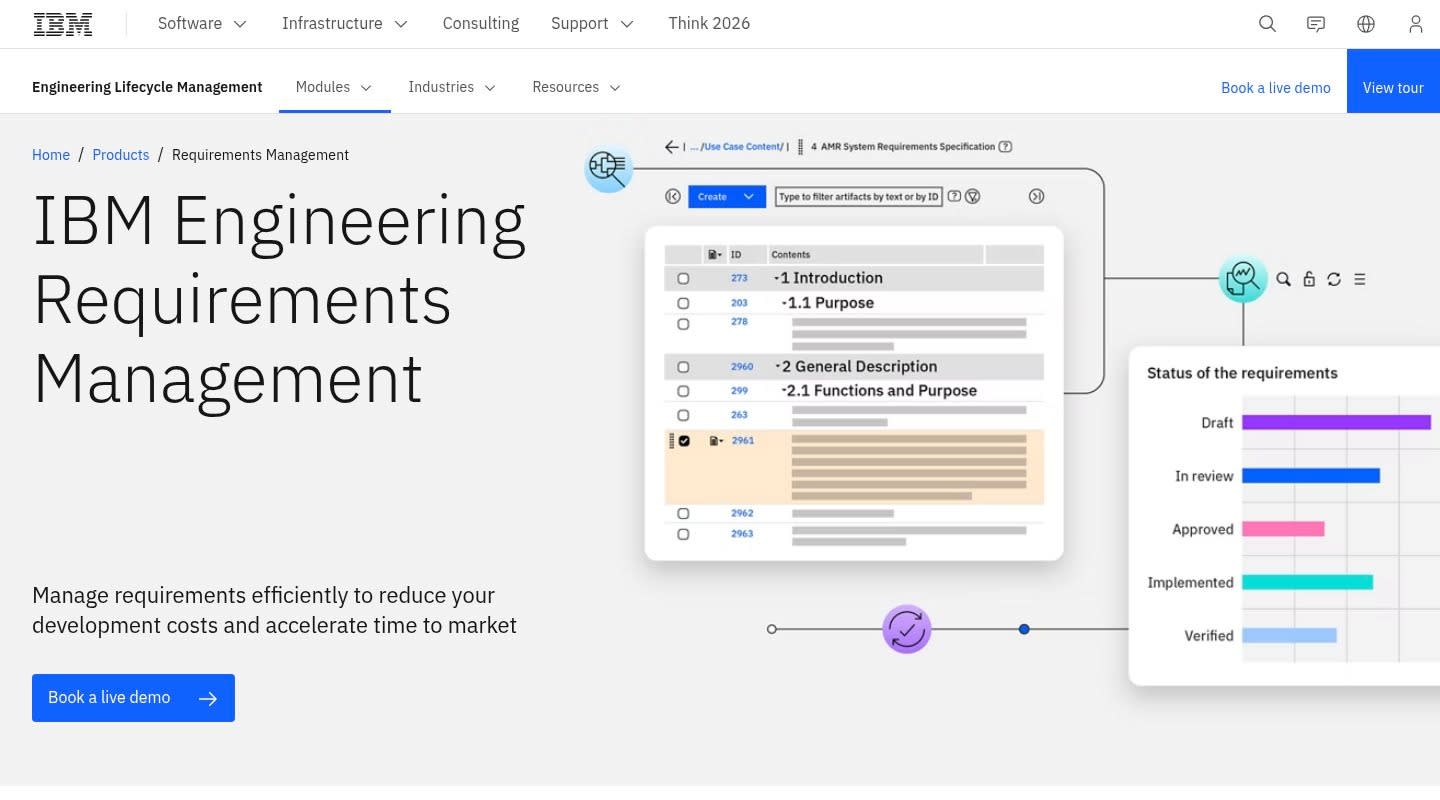
IBM DOORS Classic is the legacy choice in A&D requirements management. It has been used in defense and aerospace programs across different generations now, and its installed base in large defense contractors is massive. Many long-running programs have tens of thousands of requirements managed in DOORS, with traceability links and baselines built up over years.
DOORS Classic uses a proprietary DXL scripting language for customization, and experienced DOORS administrators can build tailored workflows. The depth of configuration possible after years of investment is substantial. For organizations with large existing DOORS deployments, the switching cost is significant enough that many continue to operate on the platform.
That said, DOORS Classic predates the web. It runs as a desktop application, and organizations need dedicated administrators to keep it running. New users need extended training before they can work without support.
Features
- Deep requirements management with decades of refinement in A&D
- DXL scripting language for extensive customization
- Baseline management and version control
- Massive installed base in defense and government programs
- OSLC integration framework for cross-tool traceability
- Support for large-scale requirements databases
Pros
- Proven track record across decades of major defense programs
- Extensive customization capability through DXL scripting
- Large community of experienced administrators and consultants
- Accepted by defense customers and certification authorities as a known platform
Cons
- Thick-client architecture isn't web-native, which limits remote collaboration and modern deployment options
- High administrative burden. Maintaining DOORS Classic requires dedicated, specialized administrators who understand DXL scripting
- The user interface reflects its age, and onboarding new engineers takes weeks longer than modern platforms
- IBM is steering customers toward DOORS Next Generation, a separate product built on different architecture, which raises questions about long-term Classic investment
9. IBM DOORS Next
IBM DOORS Next Generation (DNG) is the web-based successor to DOORS Classic. Despite the name, IBM built DNG from scratch on its Jazz platform. Data models, customization approaches, and workflows differ from Classic in every dimension. Organizations moving from Classic to DNG face a migration effort that many describe as comparable to adopting a new vendor.
DNG is part of IBM's Engineering Lifecycle Management (ELM) suite, which also includes Rhapsody for modeling, Engineering Test Management, and Engineering Workflow Management. When all ELM components are deployed together, the cross-tool traceability is comprehensive. The challenge is that the full ELM deployment is complex and expensive.
Features
- Web-based requirements management with graphical traceability views
- Part of the IBM ELM suite for full lifecycle integration
- OSLC-based integration with Rhapsody, ETM, and EWM
- Configuration management with global configurations across ELM tools
- Reporting and dashboard capabilities via Jazz Reporting Service
- ReqIF support for requirements interchange
Pros
- Modern web interface compared to DOORS Classic
- Strong lifecycle integration when deployed with the full ELM suite
- Global configurations enable consistent baselines across engineering tools
- OSLC support for cross-vendor tool integration
Cons
- No upgrade path from DOORS Classic. Migration is a full reimplementation effort, which deters many organizations with large Classic deployments
- The full ELM suite is complex to deploy and maintain, requiring significant IT infrastructure and administrative resources
- Performance can degrade with very large datasets, for graphical traceability views
- Licensing and deployment costs for the complete ELM suite are substantial, above all for smaller programs or divisions
How to choose a requirements management tool for A&D
Selecting an RM tool for aerospace and defense programs involves factors that don't apply to most software categories. Here's how to structure the evaluation.
Start with your certification requirements
Identify which standards govern your programs (DO-178C, DO-254, ARP 4754, MIL-STD, specific program DIDs) and evaluate whether each tool provides structured support for those standards. Preconfigured frameworks and TIMs save months of setup compared to building compliance structures from scratch. Jama Connect's preconfigured TIMs for A&D standards are a strong example of this approach.
Evaluate traceability depth
Every tool on this list claims traceability. The differences are in how that traceability is maintained, measured, and reported. Ask whether the tool provides quantified traceability metrics (like Trace Scores) or just static link counts. Ask how traceability is maintained when requirements change. Finally, ask what traceability evidence the tool can produce for auditors without manual effort.
Assess deployment and security requirements
Defense programs handling ITAR/EAR-controlled data need deployment options that meet export control requirements. Evaluate whether the platform offers GovCloud, FedRAMP, or equivalent secure hosting. Check security certifications (SOC 2 Type 2, CMMC readiness) and understand who is responsible for infrastructure security.
Consider your tool ecosystem
A&D teams use modeling tools (Cameo, MATLAB/Simulink), PLM systems (Windchill, Teamcenter), and development tools (Jira, Azure DevOps). Your RM tool needs to integrate with whatever combination your programs use. Pay particular attention to MBSE tool integration if your organization is adopting model-based systems engineering.
Calculate total cost of ownership
Licensing costs are only part of the picture. Factor in deployment costs, administrator time, training, integration development, and ongoing maintenance. Platforms that charge for reviewer access, API usage, or hosting add up fast in large programs with many stakeholders. Jama Connect's approach of including free reviewer access, no hosting fees, and no API charges simplifies TCO calculations.
Plan for program lifecycle timescales
A&D programs can run for decades. Consider the vendor's long-term viability, their investment trajectory, and whether the platform you choose today will still be supported and evolving in ten or twenty years.
Conclusion
Requirements management in aerospace and defense isn't a workflow optimization exercise. It's the foundation of safety, certification, and program success. The right tool makes compliance audits predictable, keeps traceability current across years-long programs, and gives engineering teams confidence that nothing has fallen through the cracks.
Each platform in this comparison brings different strengths. Jama Connect leads with the deepest traceability and the most comprehensive A&D-specific compliance frameworks, backed by adoption across the industry's largest aerospace and space launch companies. Other tools may fit better for specific situations: teams locked into a particular PLM ecosystem, organizations needing MBSE-focused capabilities, or programs that prioritize ALM breadth over RM depth.
Whatever you choose, make the decision based on how the tool handles traceability, certification evidence, and security for controlled data. Those are the requirements management that matter most in A&D.
Frequently asked questions
What standards should an A&D requirements management tool support?
At minimum, look for support for DO-178C (airborne software), DO-254 (airborne electronic hardware), and ARP 4754 (aircraft-level development). Jama Connect provides preconfigured Traceability Information Models for each of these standards. Depending on your program, you may also need support for DO-326A (airborne security), MIL-STD specifications, and CMMC cybersecurity maturity requirements.
How does ITAR compliance affect requirements management tool selection?
Programs handling ITAR/EAR-controlled technical data need hosting environments that meet export control requirements. In most cases this means AWS GovCloud or equivalent secure cloud infrastructure with appropriate access controls. Jama Connect offers GovCloud deployment with SOC 2 Type 2 certification. Not all RM tools provide this, so it's a critical filter for defense programs.
Can modeling tools like Cameo Systems Modeler replace a dedicated RM platform?
Modeling tools are excellent for defining system architecture and relationships using SysML/UML, but they don't provide the full requirements management lifecycle. Review workflows, traceability scoring, compliance documentation, and audit-ready reporting in most cases require a dedicated RM tool. Many A&D teams use Cameo for MBSE alongside Jama Connect for requirements management, connecting the two through integration.
What's the difference between IBM DOORS Classic and IBM DOORS Next Generation?
They share a name but diverge on architecture, data model, and customization language. Classic runs as a desktop app with DXL scripting. DNG runs in a browser on IBM's Jazz platform as part of the ELM suite. IBM provides no automated conversion path between them, so organizations with large Classic databases face a migration project that many equate to switching vendors.
How do Trace Scores work in Jama Connect?
Trace Scores are quantitative metrics that measure the completeness of traceability links across your requirements, design, test, and risk items. Instead of showing that links exist, Trace Scores calculate how complete your coverage is and highlight gaps. Teams using Jama Connect report finding defects twice as fast and experiencing about three times fewer test failures when traceability scores are managed on a continuous basis.
Should A&D teams choose a dedicated RM tool or an ALM platform with RM features?
It depends on your priorities. Dedicated RM platforms like Jama Connect offer deeper requirements-specific functionality: traceability scoring, compliance frameworks, requirements quality analysis. ALM platforms like Codebeamer or Polarion provide broader coverage across the software development lifecycle but may sacrifice RM depth. For safety-critical A&D programs where certification evidence is paramount, dedicated RM tools deliver more value for the requirements management workflow in most cases.
What makes requirements management different for defense programs vs. commercial aerospace?
Defense programs add ITAR/EAR export control requirements, CMMC cybersecurity maturity requirements, and program-specific DID deliverables on top of standard certification standards. The hosting and security requirements are more stringent, and supply chain traceability across classified and controlled environments adds complexity that commercial programs don't face.
How long does it take to deploy a requirements management platform for A&D?
Deployment timelines vary by platform. Some dedicated RM tools like Jama Connect can be operational in weeks, while heavier PLM-based solutions or full ELM suite deployments can take months of infrastructure setup, configuration, and customization. Factor in time for migrating existing requirements data, configuring traceability frameworks, training users, and validating that the tool meets your program's compliance requirements.
More in software

Venture
Write for entrepreneurs, founders, and builders.
Share startup lessons, growth tactics, and founder stories with readers on the same journey.
One free account across In Plain English, Stackademic, Venture, and Cubed.
How it works- Startups & entrepreneurship
- Marketing & growth
- Productivity & leadership
- Founder stories & lessons learned
Sign in
Google or GitHub
Complete profile
Takes a few minutes
Get approved & publish
Start sharing
Why write for Venture?
Entrepreneurship is rarely a straight path. The lessons worth sharing are learned while building.
Comments
Loading comments…